
Step 1: One per role
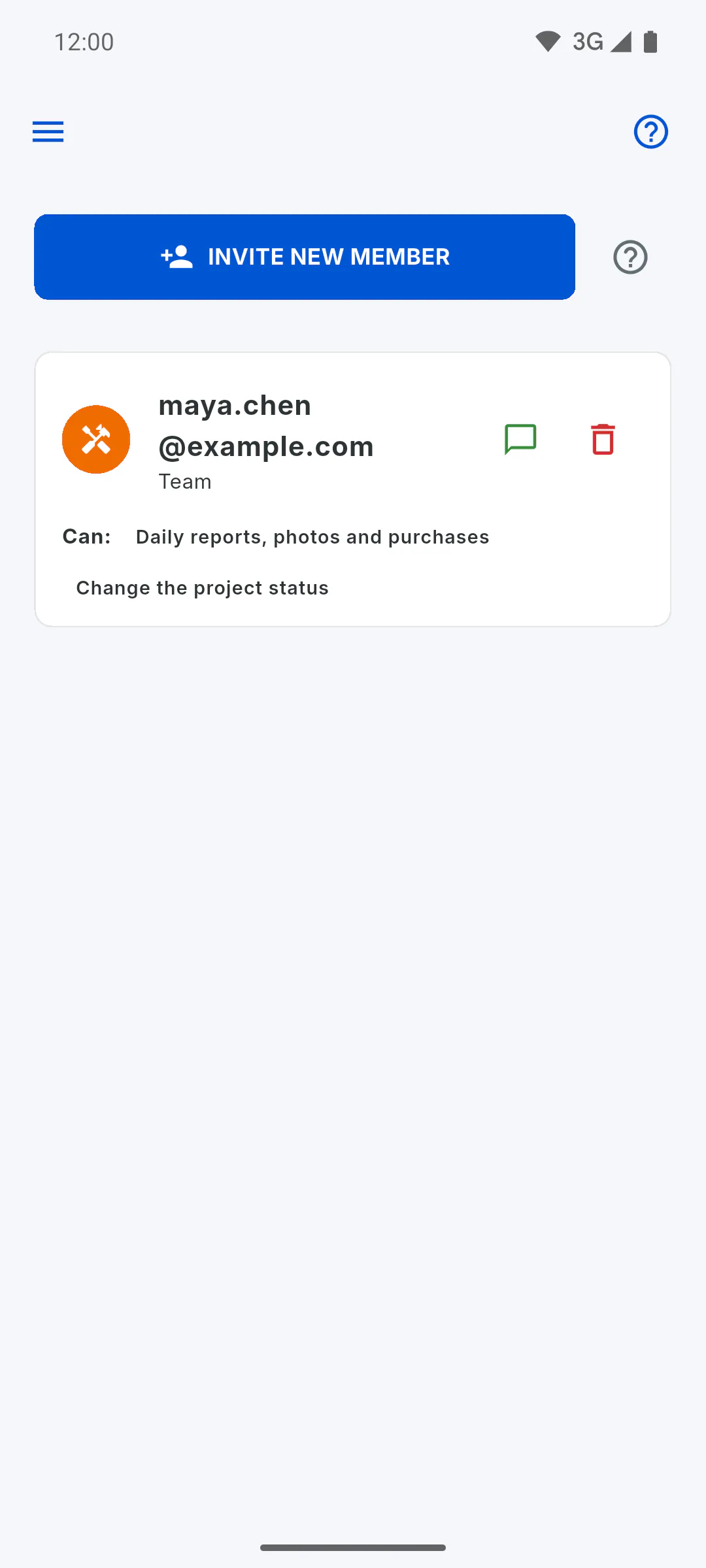
On the free plan, each project takes one guest per role: one Engineer, one Team member and one Client, up to three people per project. On PRO, you can invite as many people as you like.
Step 2: Who counts
Everyone on the project's Team list with that role counts, including people who haven't created an account yet and a client in the grace period. When you remove someone, that role's slot opens up again.
Step 3: When you hit the limit
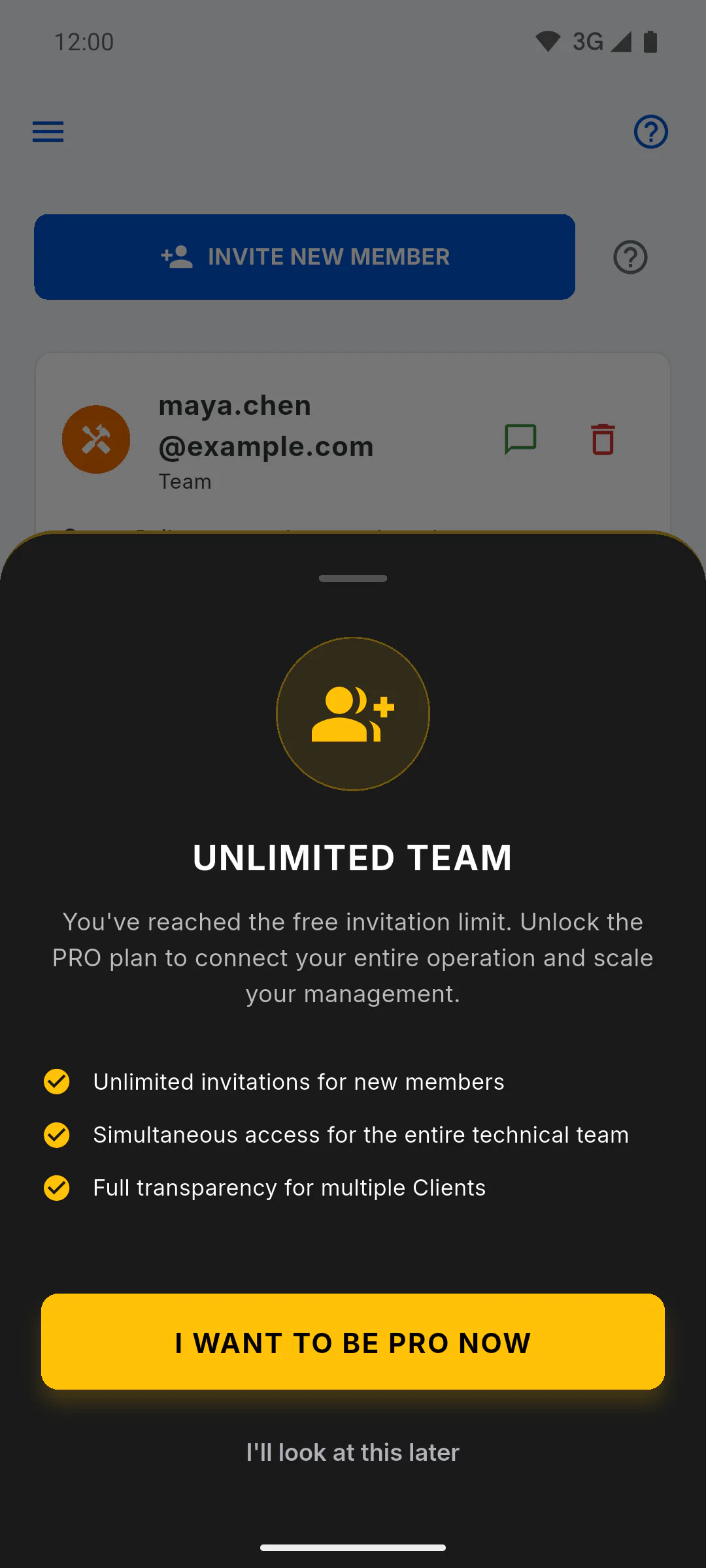
When you tap Send Invite for a second person with the same role, the invitation isn't sent and Unlimited Team opens. Tap I Want to Be PRO Now to see the plans, or I'll look at this later to close it.
Step 4: The limit belongs to whoever invites
Only the project owner can invite, and the limit follows the owner's plan. Client Access, which unlocks extra Portal features for the client, is something else: you can invite the client without it.
Step 5: Compare the plans
How many invitations can I send on the free plan
On the free plan, each project takes one guest per role: one engineer, one crew member and one client. On PRO, invitations are unlimited.
For managers5 steps
Didn't find what you were looking for?
Chat with support on WhatsApp or raise a ticket in the app.