
Step 1: Not marked in a report for the period
Payroll only lists people marked present or absent in a daily report of this project within the payroll dates. Open the report and check that its date is in the period and that the person shows under On-Site Workforce, in the Registered Team list. Anyone who isn't there isn't included. Attendance can't be changed once the report is saved: if someone was left out, delete the report and make a new one, marking them under Project Team.
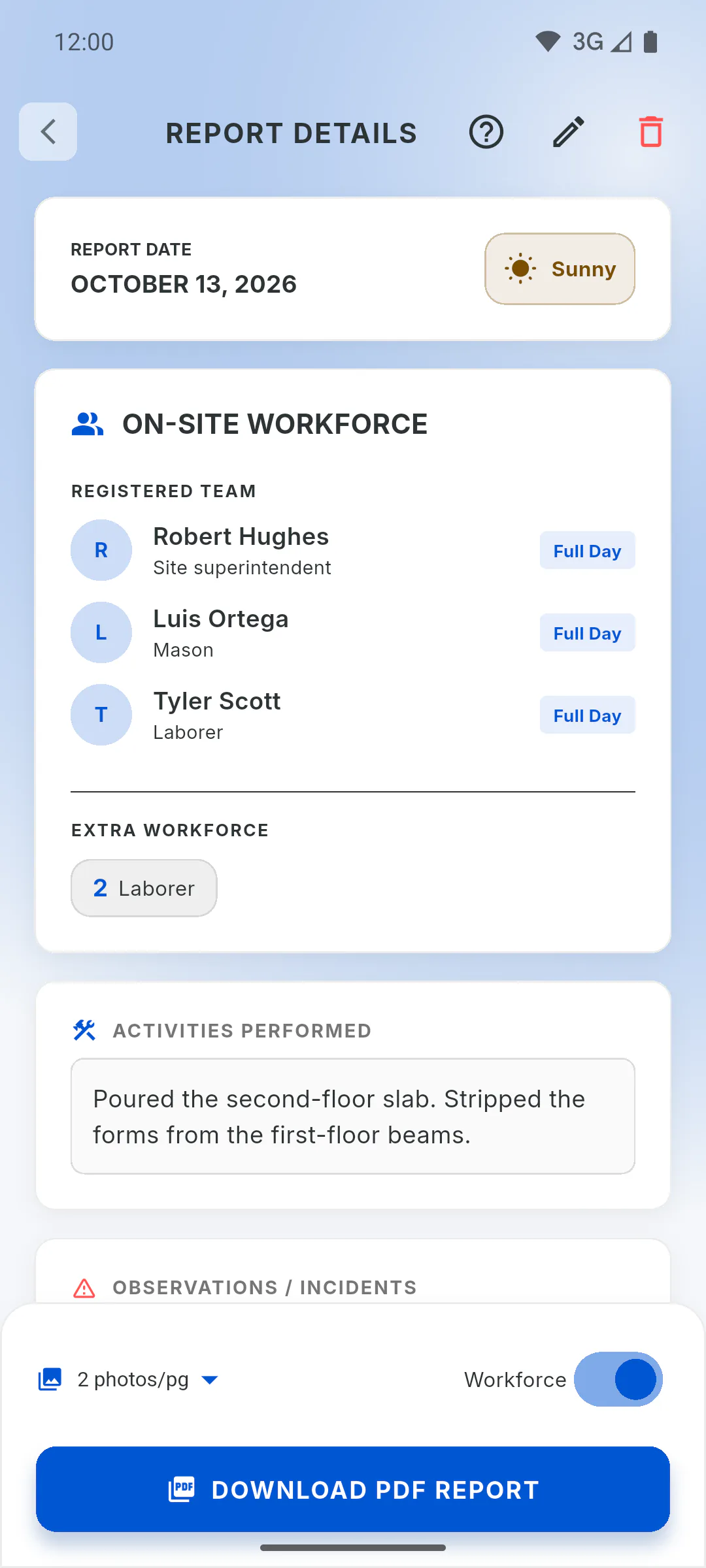
Step 2: Worked on another project
Each project has its own payroll, built only from its own reports. Someone who worked on another project shows up on that project's payroll. To see several projects together: How to generate the general closing for several projects
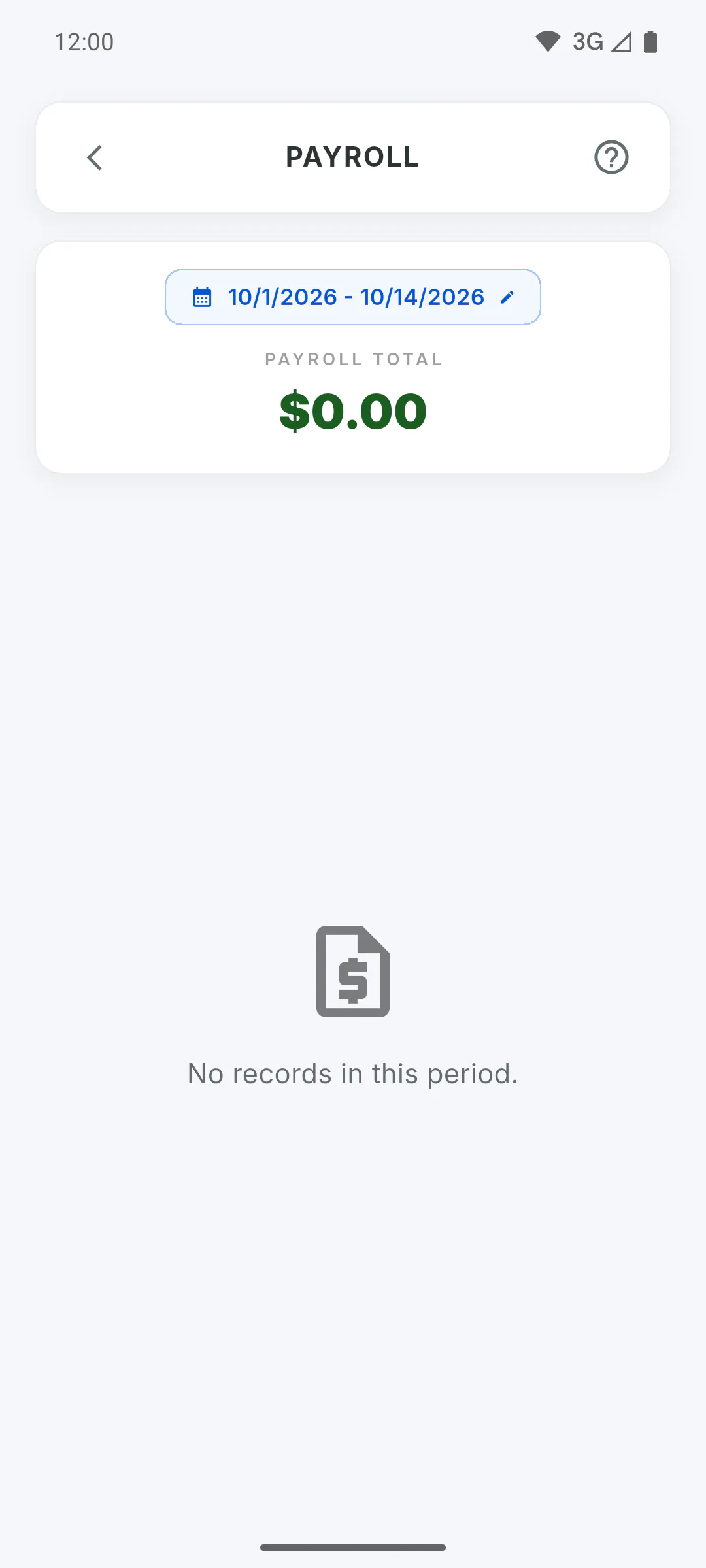
Step 3: Logged as extra workforce
In the report, anyone listed under Extra Workforce, inside On-Site Workforce, was logged as extra workforce and doesn't go on payroll: only members registered on your team do. Add the person under My Team and mark them in the next reports.
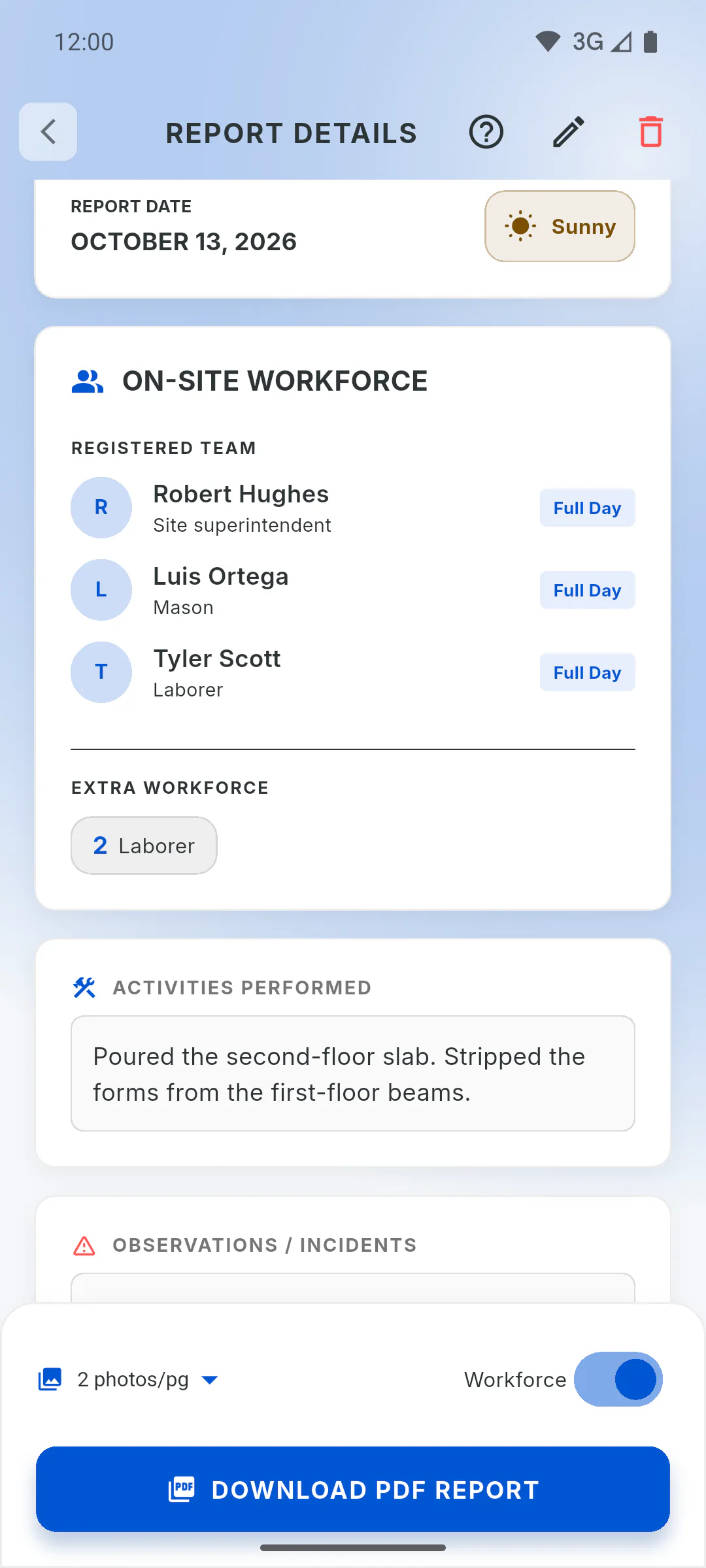
Step 4: Monthly staff
Monthly staff with Fixed shares (choose projects) are included on the chosen projects' payroll even without a report, as long as they're active. If inactive, they only show up when they appear in reports for the period. If they were marked in a report of a project outside the split, they show up on that project's payroll with zero and the note This project is not part of this worker's fixed salary split.
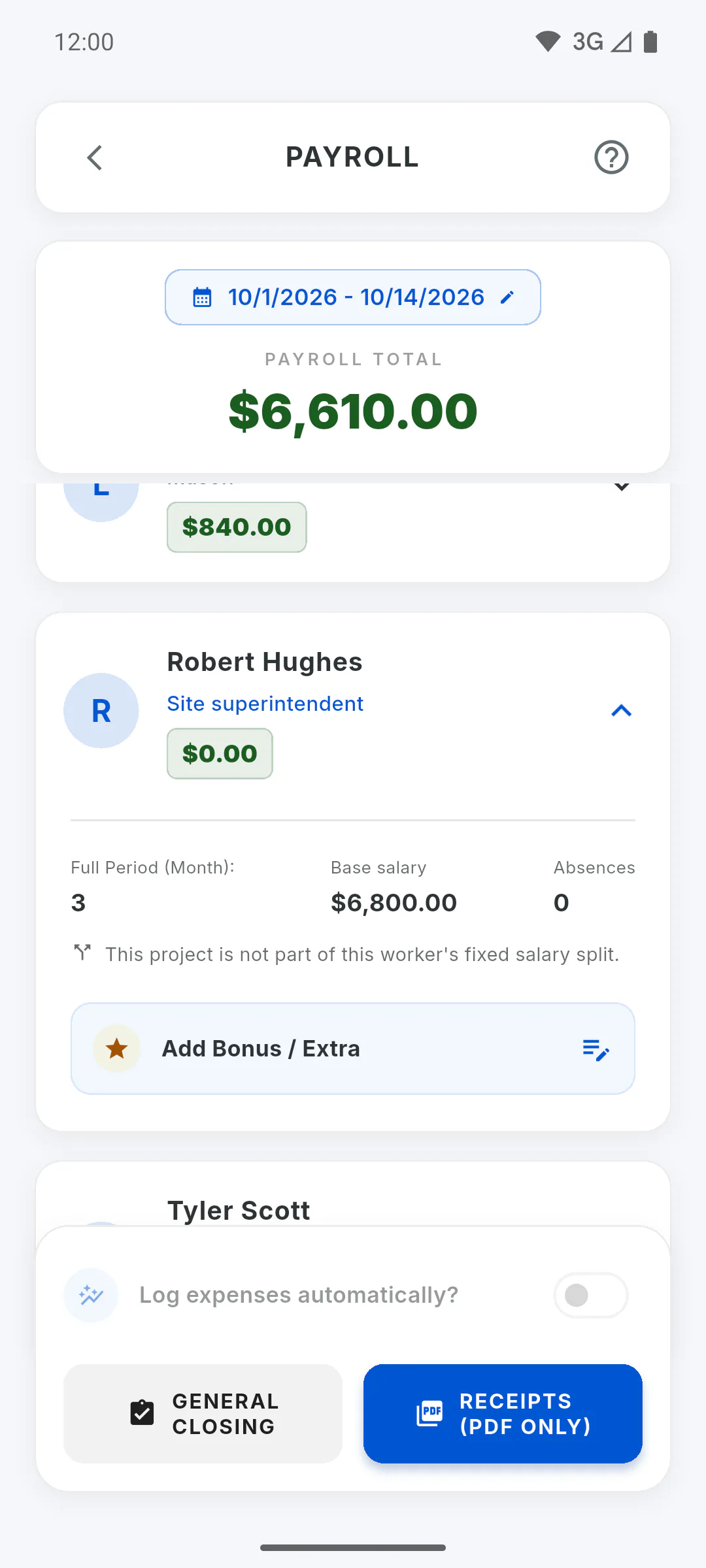
Step 5: Listed, but left out of the total
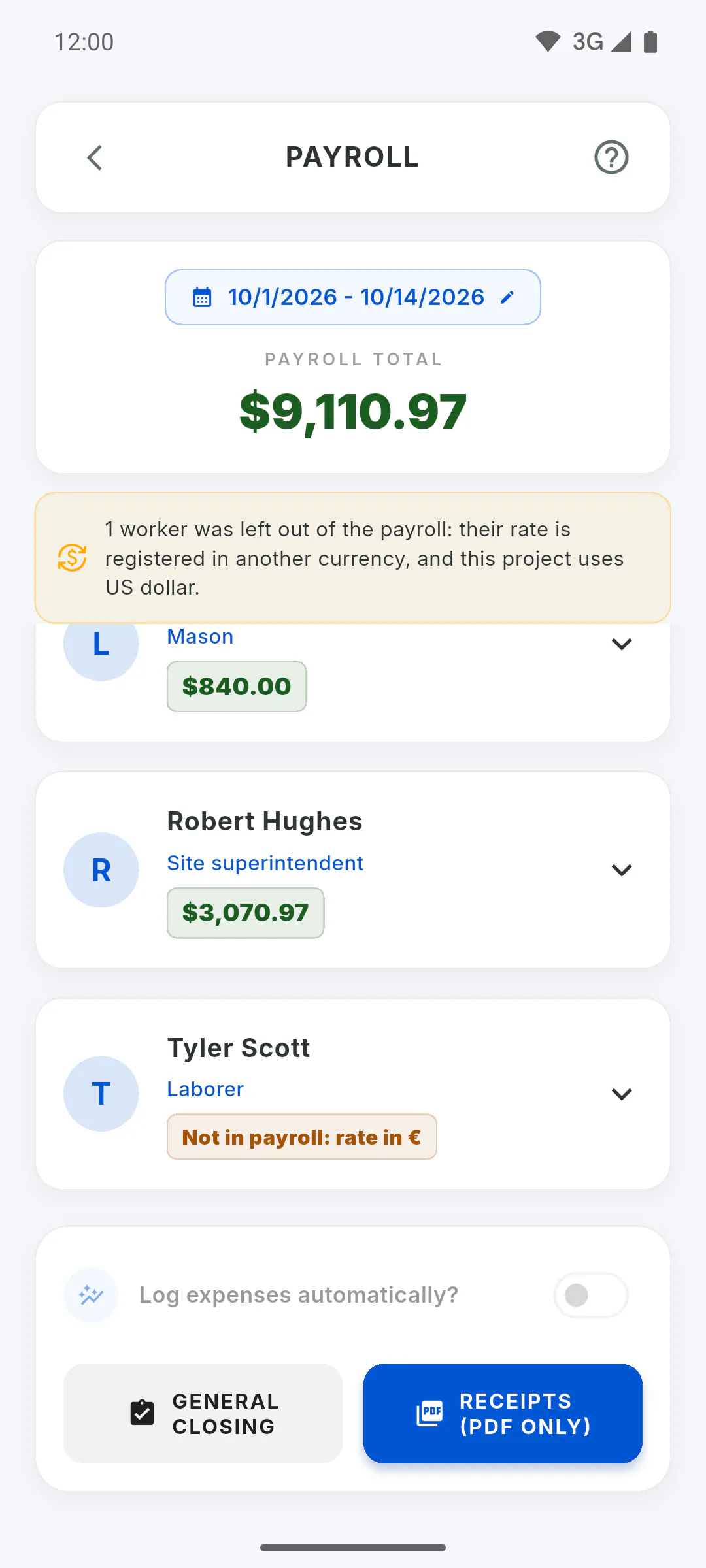
If the card shows Not in payroll: rate in ..., the team member is listed but their rate is registered in another currency. They're left out of the total, the pay slips and the expense entries: Left out of payroll: rates in another currency
Why a team member isn't on the payroll
The reasons someone on your team doesn't show up on a project's payroll, or shows up without counting toward the total, and what to do in each case.
For managers5 steps
Didn't find what you were looking for?
Chat with support on WhatsApp or open a ticket right in the app.