
Step 1: What the offer is
From time to time, ObraFácil sends some accounts an offer to subscribe to PRO with 30 free days on the Monthly plan. It arrives in the dashboard bell, marked with a lightning bolt, and may also come as a notification on your phone. Not every account gets it: How bell notifications work.
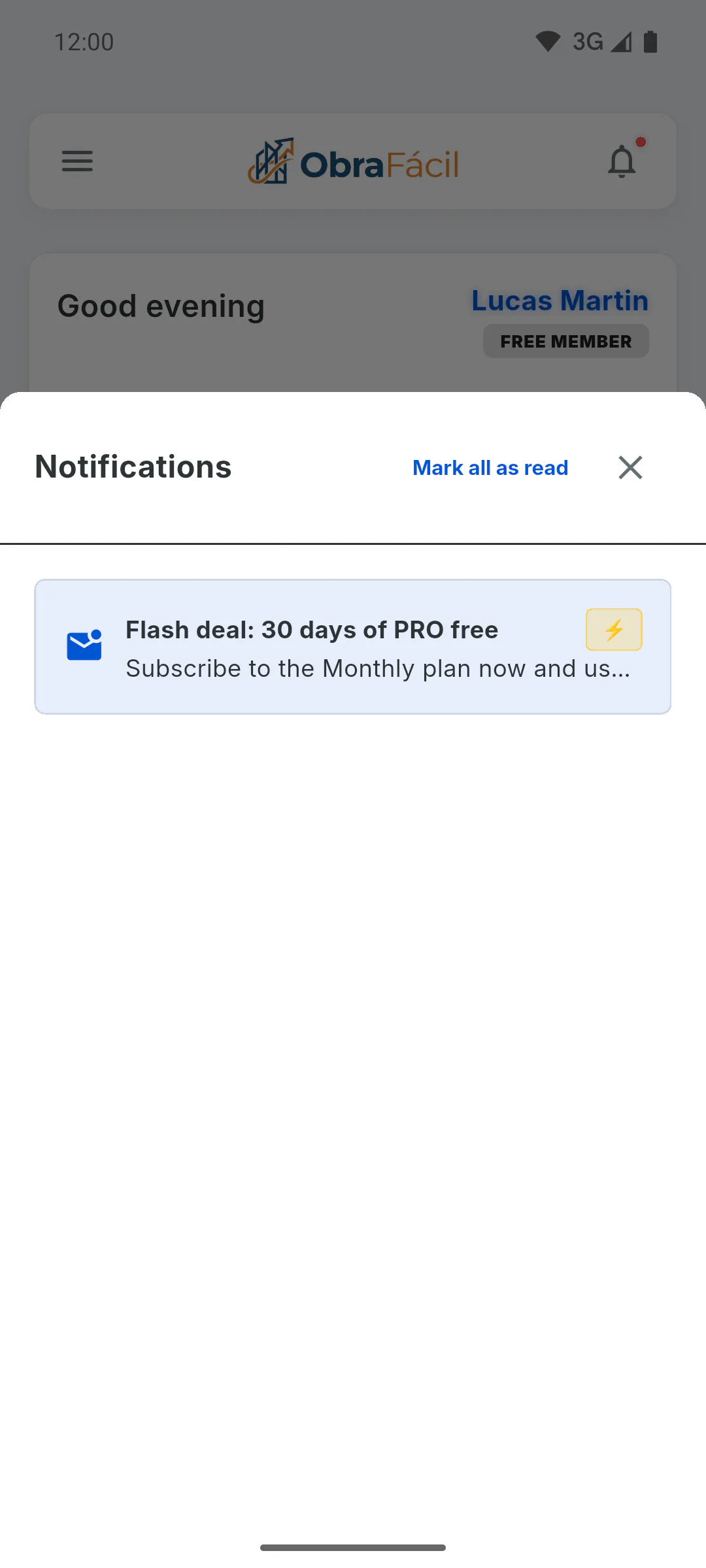
Step 2: The deadline to claim it
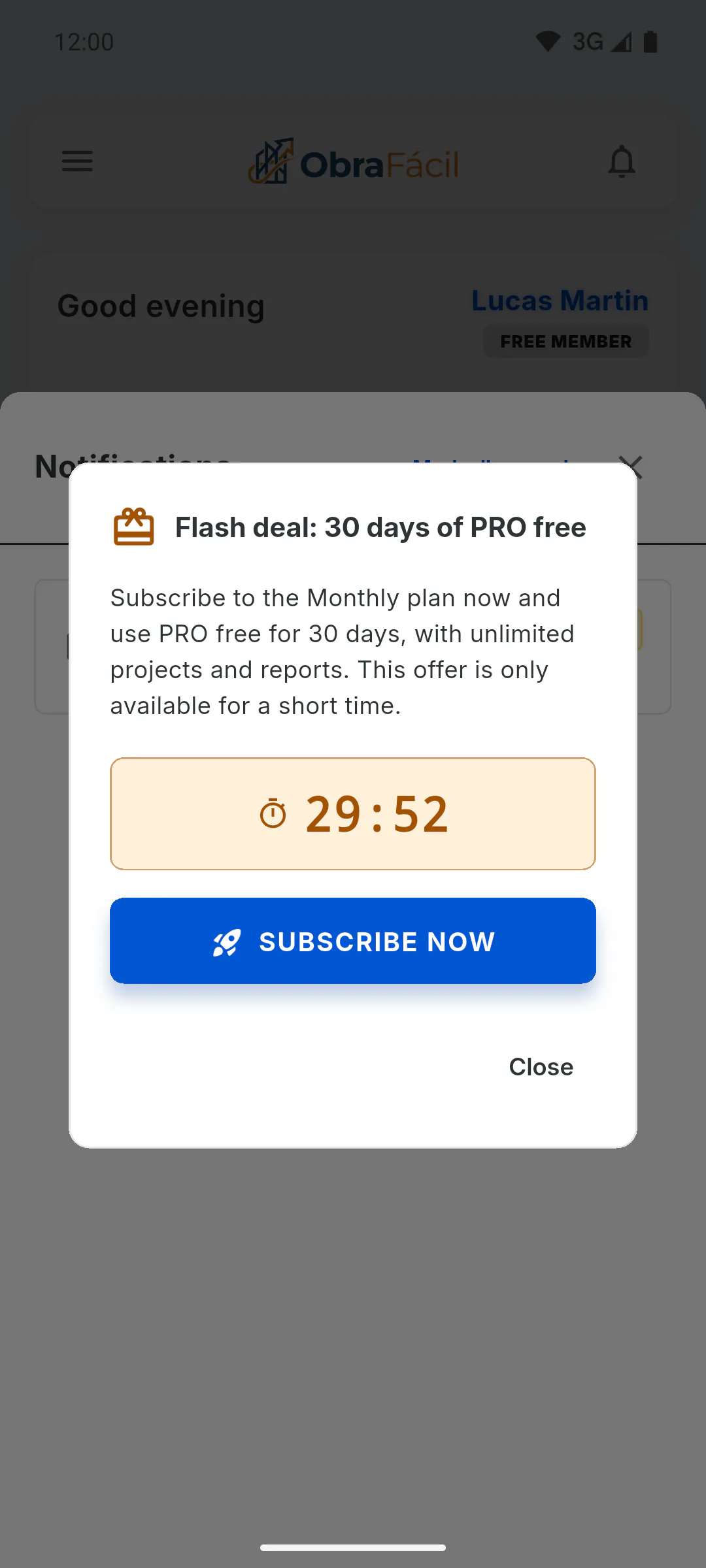
Tap the offer in the bell: a window opens with the message and a countdown. The clock starts the first time you open the offer and keeps running even if you close the window; each offer sets its own duration. When it runs out, you'll see Promotion expired. If you've already subscribed, you'll see Subscription activated ✓.
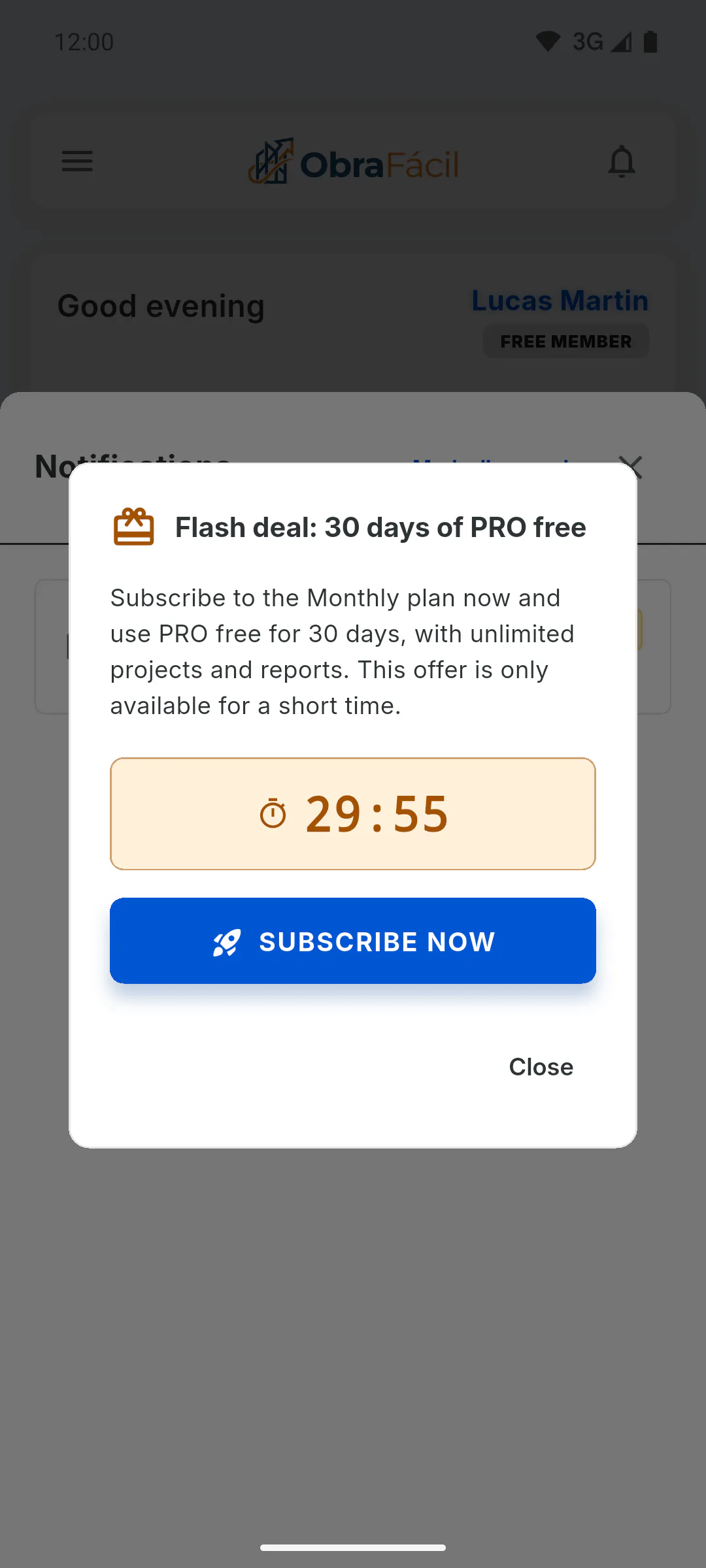
Step 3: Subscribe before time runs out
While the countdown is running, tap the button in the window, usually Subscribe Now. The plans screen opens with Monthly selected, the banner 30 FREE days for you to try! and the price that applies afterwards. If you switch to Yearly, the offer disappears and the regular price is shown. If you tap the notification on your phone, the plans screen opens straight away, without the countdown.
Step 4: When the 30 free days apply
- On the website: the free period only applies if the offer is still within its deadline and you've never had a free period on a website payment; otherwise the subscription starts charging right away. Check the amount on the payment page before you confirm. Only accounts in Brazil can subscribe on the website: outside Brazil you'll see Subscribe and buy in the app, and you subscribe in the phone app
- On a phone: Google Play or the App Store applies the free period, and the store's purchase window shows whether it applies to you
Step 5: After the 30 days
When the free period ends, the subscription is charged every month automatically. If you don't want to continue, cancel before it ends: How to manage or cancel your subscription.
30-day free offer: how it works
How the PRO offer with 30 free days that arrives in the bell works: the deadline to claim it, where the free period applies and what happens afterwards.
For managers5 steps
Didn't find what you were looking for?
Chat with support on WhatsApp or raise a ticket in the app.