
Step 1: One project on the free plan
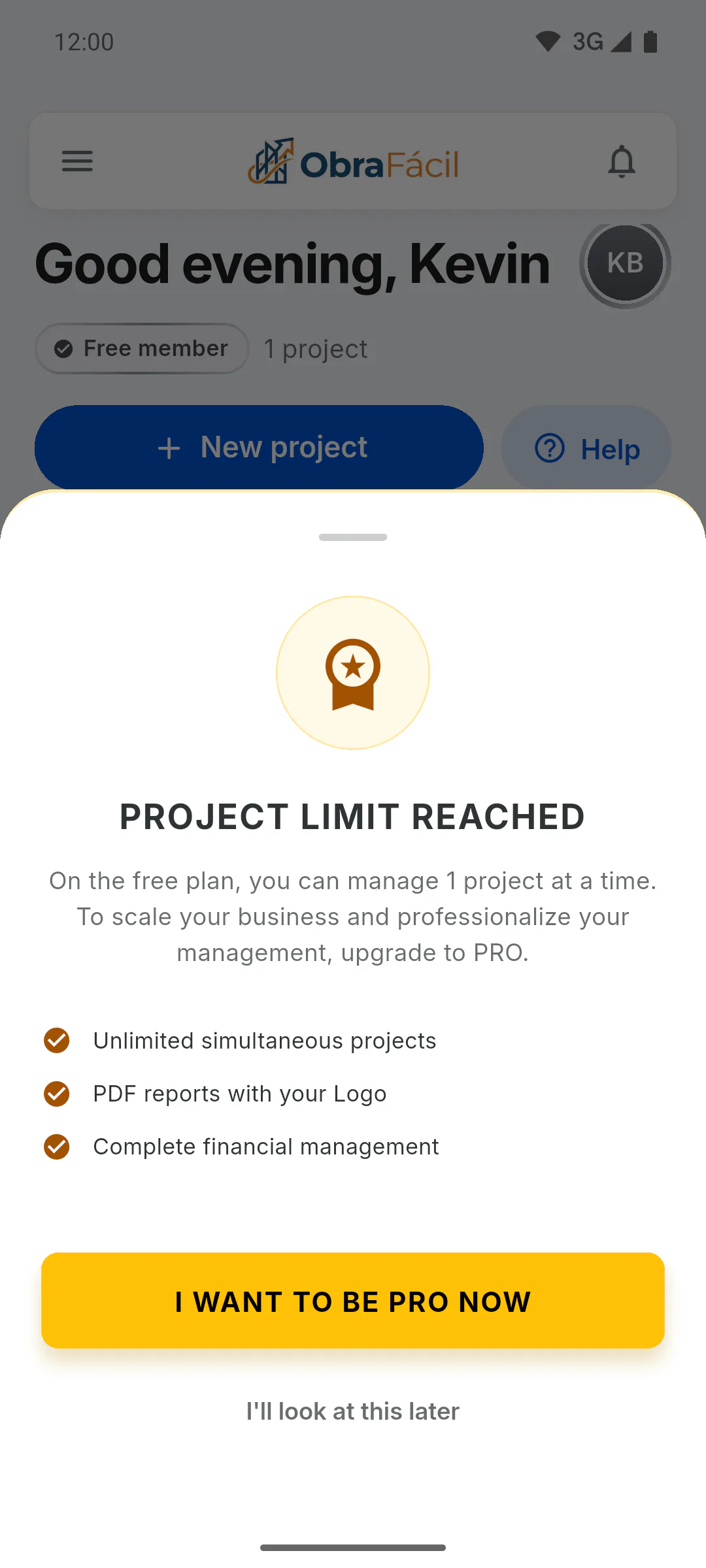
On the free plan, you can have 1 project of your own at a time. If you already have one and tap New project, you'll see Project Limit Reached. On PRO, projects are unlimited.
Step 2: What counts toward the limit
Every project you own counts, whatever its status: Not Started, In Progress, On Hold or Completed.
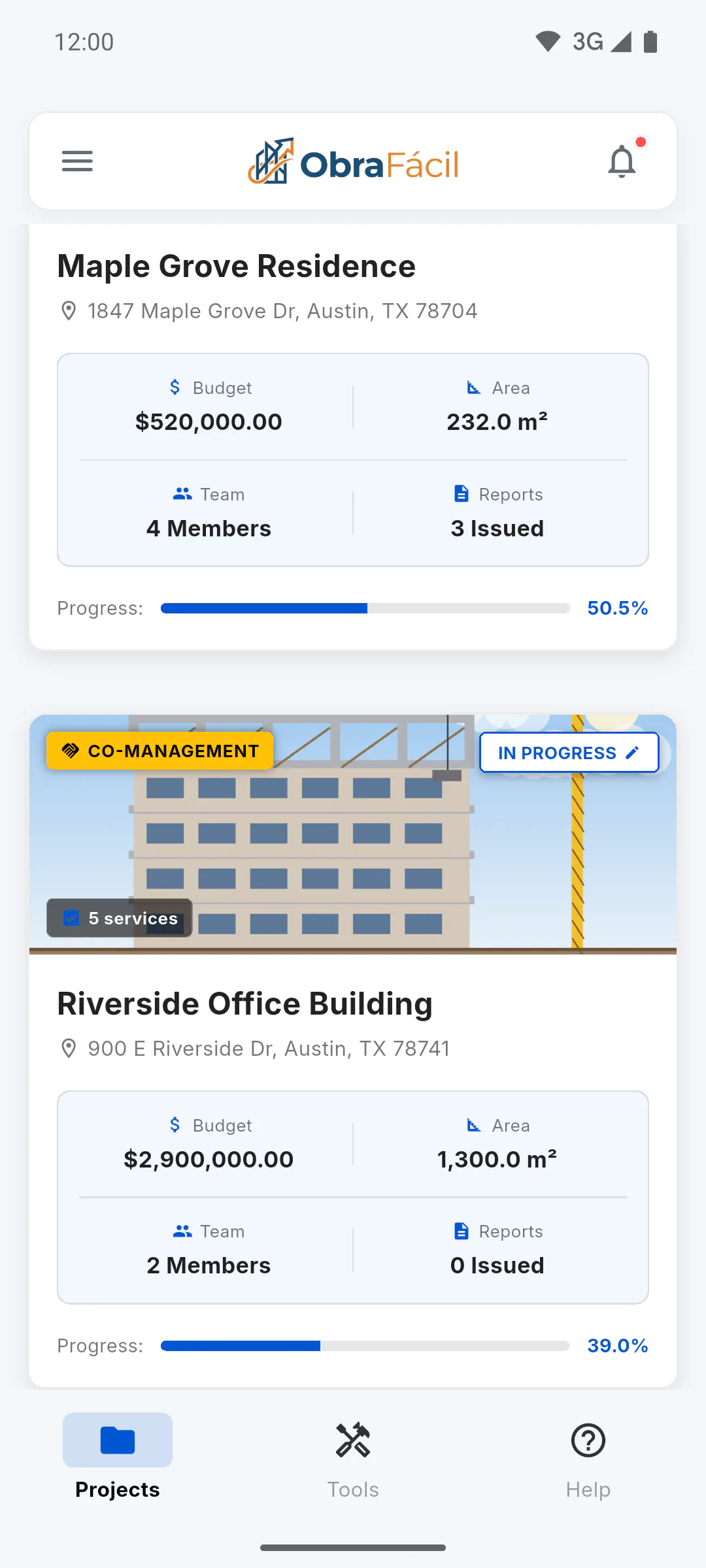
- Other people's projects that you joined by invitation don't count. On the dashboard they show the Co-Management tag: What CO-MANAGEMENT means
Step 3: How to free up the slot
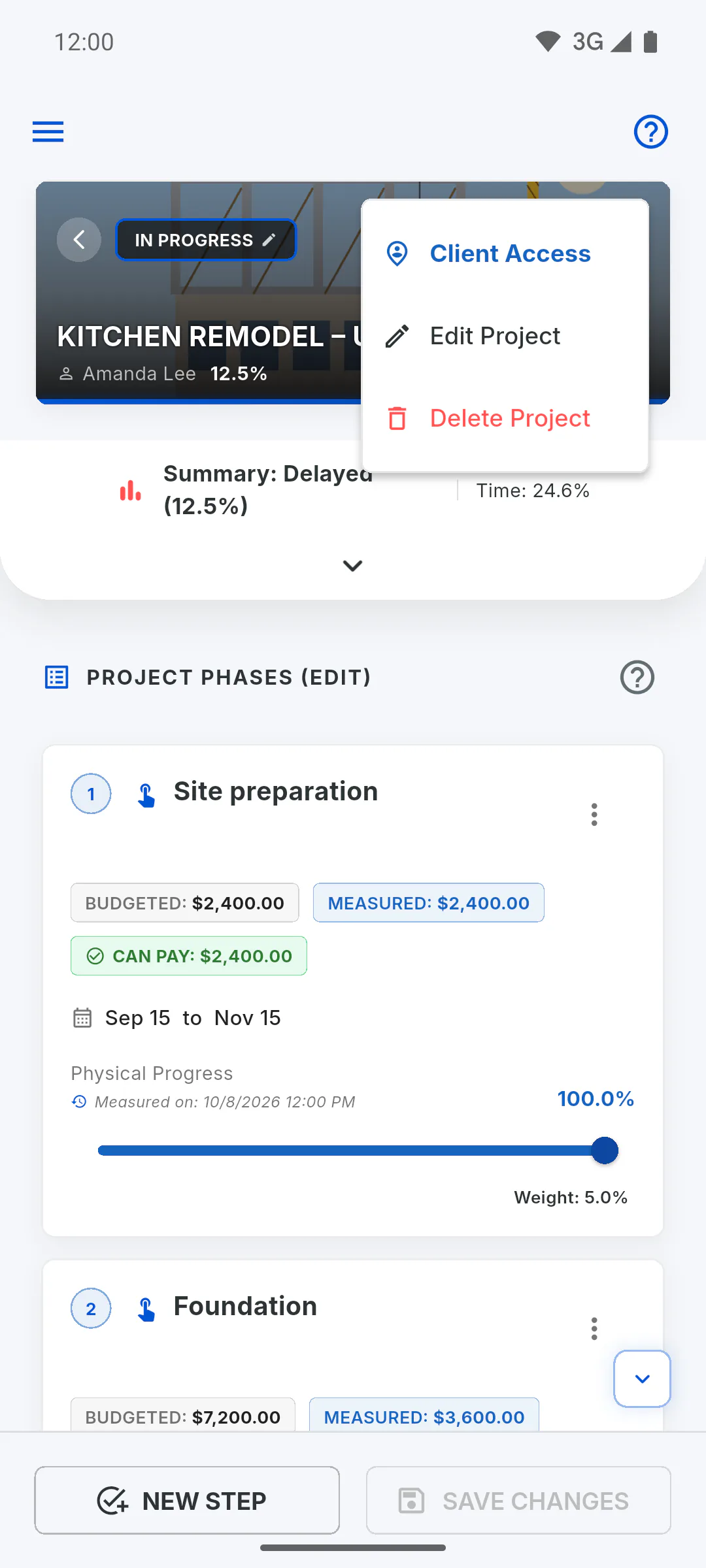
The only way to free up the slot on the free plan is to delete the project. There's no archive option, and marking the project Completed doesn't free it up: How to delete a project
Step 4: Upgrading to PRO
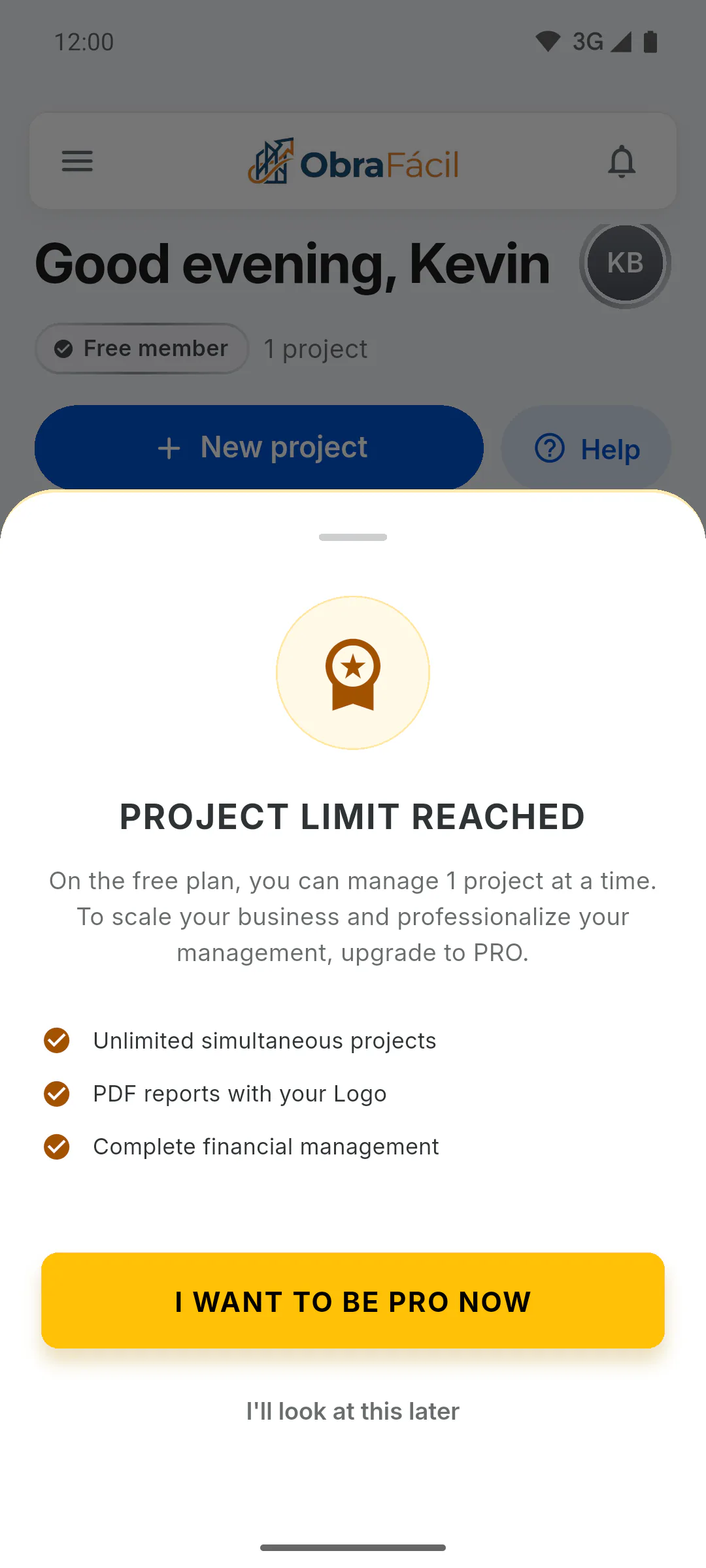
In the limit window, tap I Want to Be PRO Now to see the plans, or I'll look at this later to close it.
- What changes on PRO: Free plan vs. PRO
- How to subscribe: How to subscribe to PRO
How many projects can I have on the free plan
On the free plan you can have 1 project of your own at a time; on PRO, unlimited projects. See what counts toward the limit and how to free up the slot.
For managers4 steps
Didn't find what you were looking for?
Chat with support on WhatsApp or open a ticket right in the app.