
Step 1: Two plans
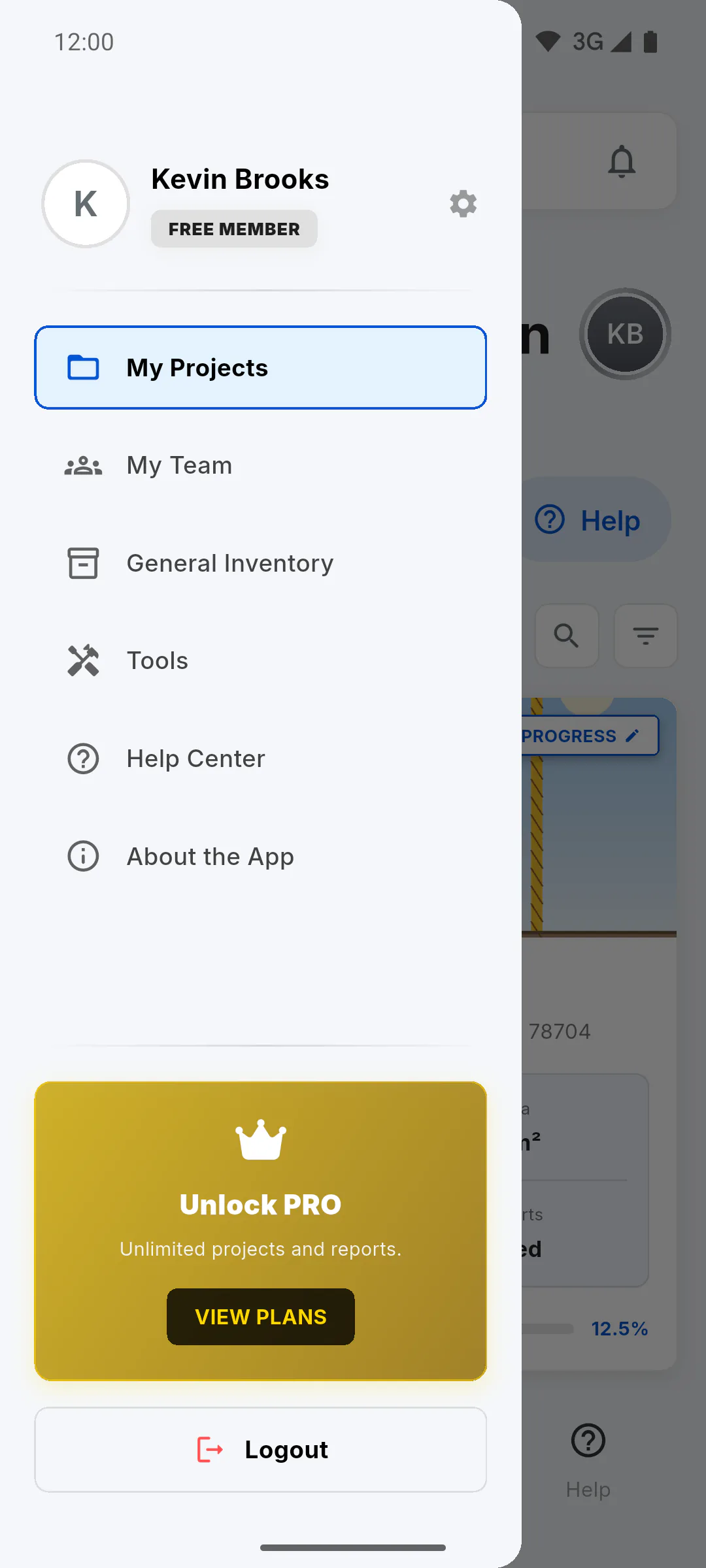
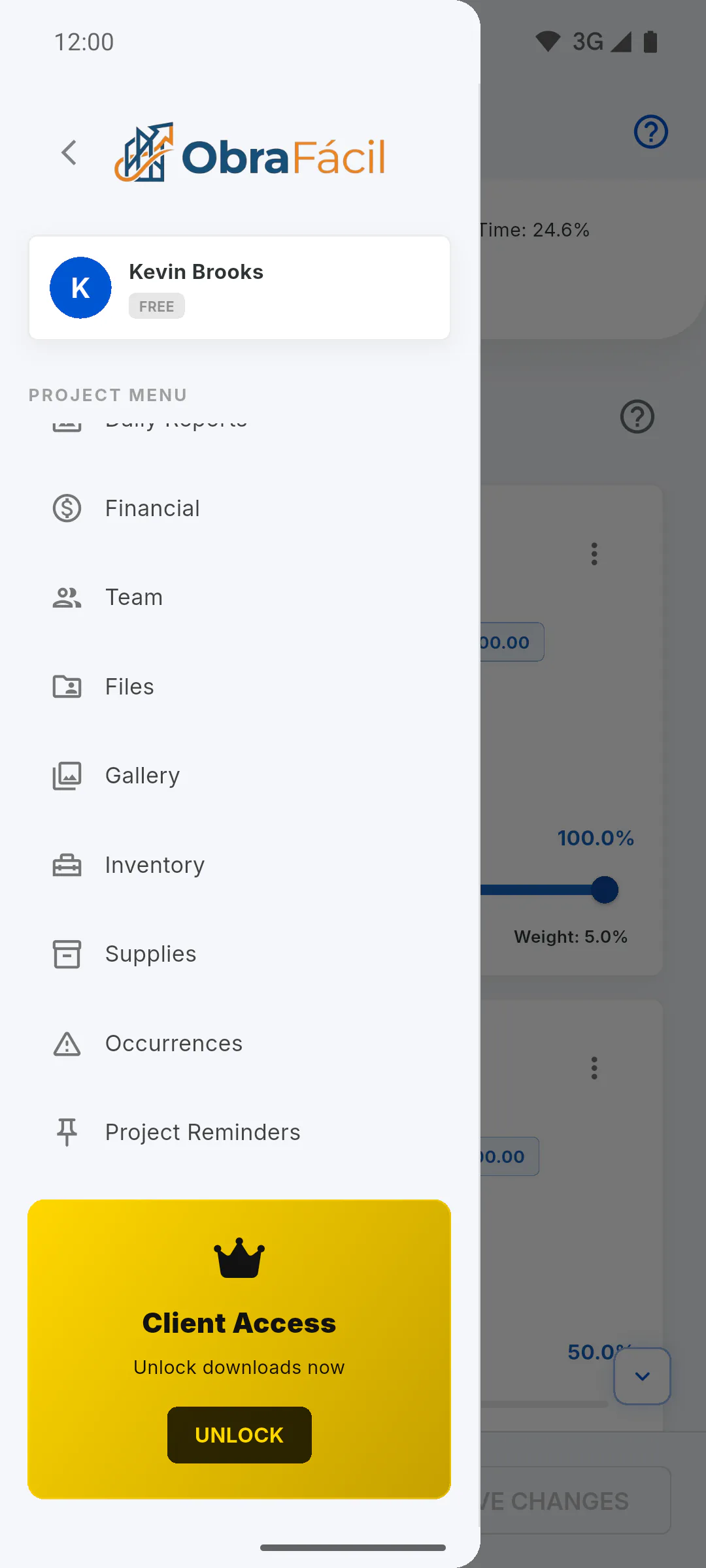
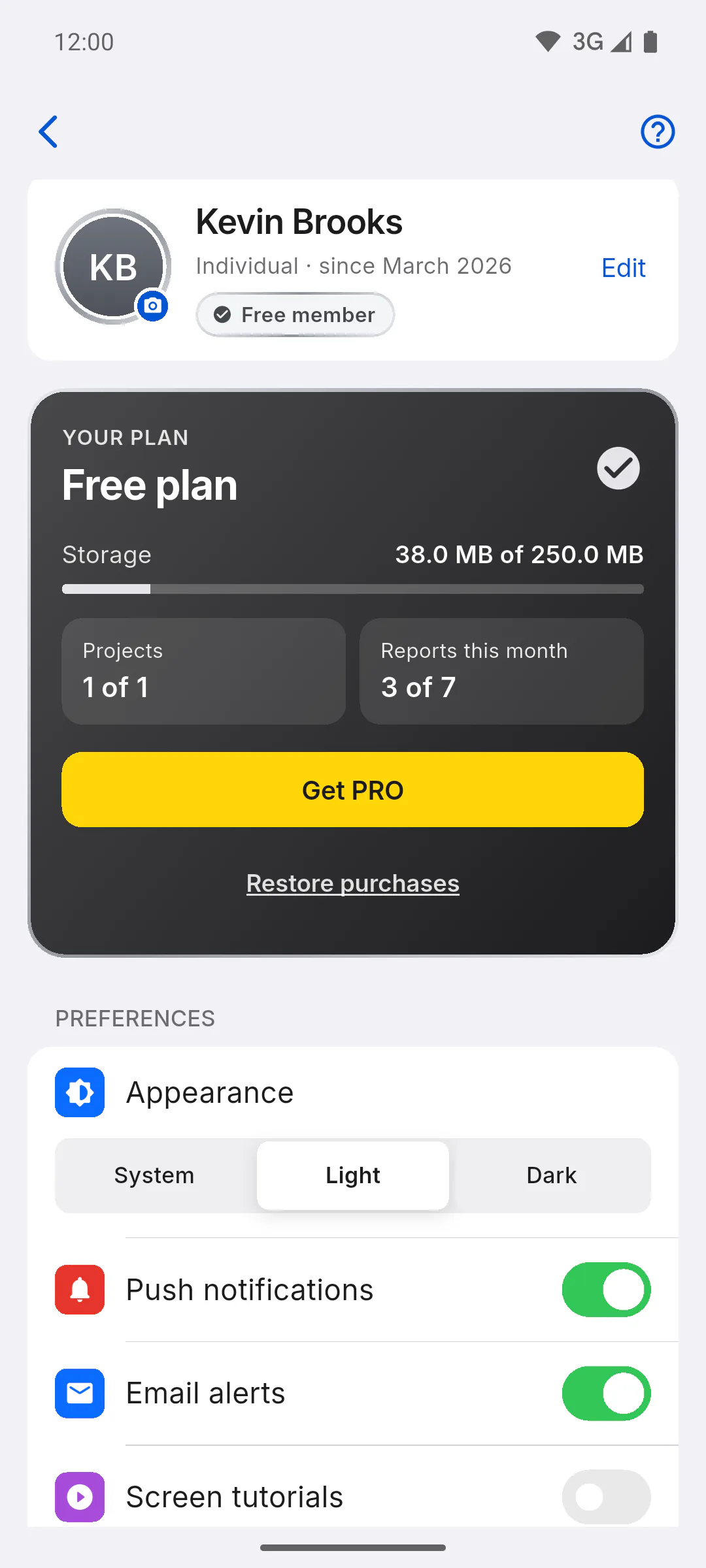
ObraFácil has a free plan and PRO, a monthly or yearly subscription. To see yours, check the badge next to the greeting on the dashboard or on the top card of Profile (PRO member or Free member), the YOUR PLAN card, or the badge on your card in the menu: PRO Member or Free Member.
Step 2: Projects
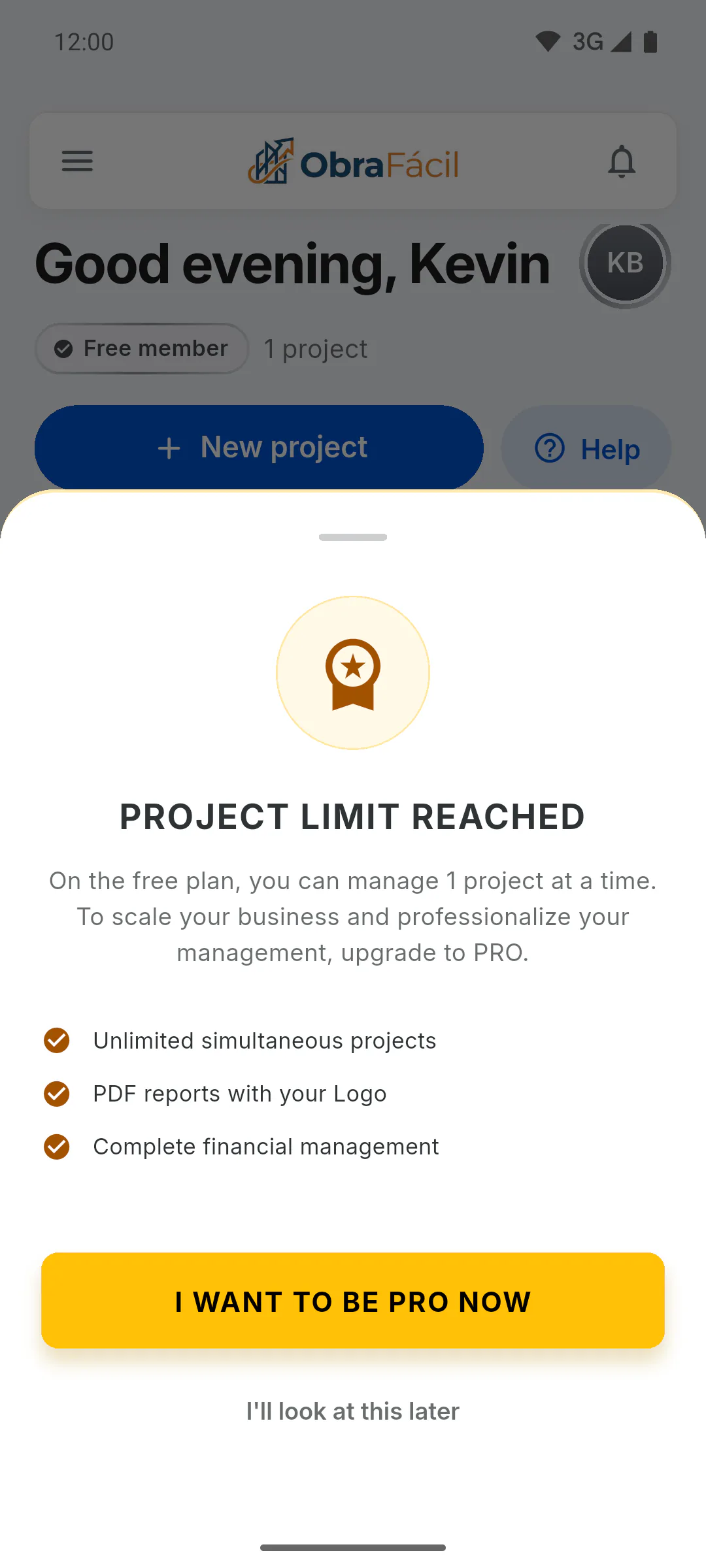
On free, you create 1 project. When you try to create a second one, Project Limit Reached appears. Projects you were only invited to don't count. On PRO, projects are unlimited: How many projects can I have on the free plan.
Step 3: Space for photos and files
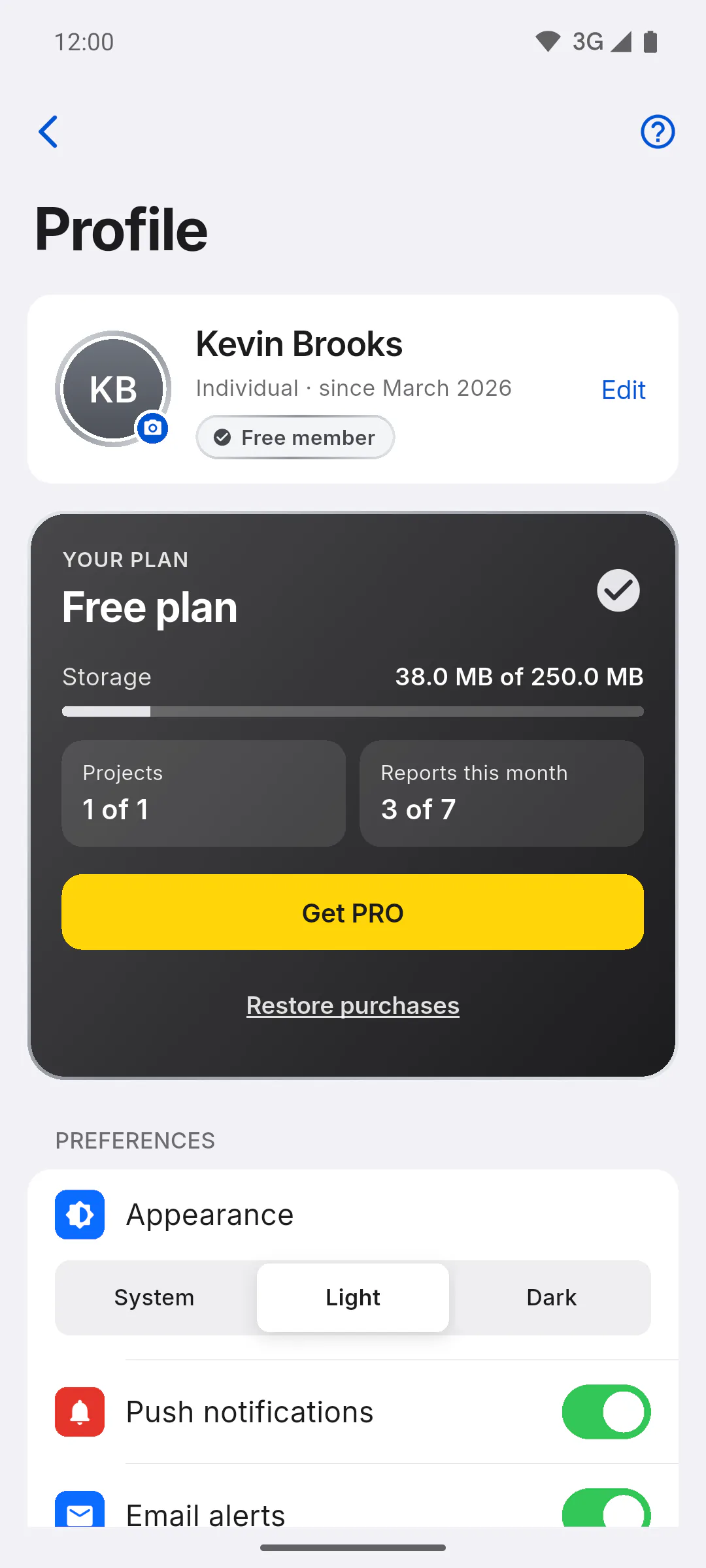
Photos, files and your logo take up space: 250 MB on free and 10 GB on PRO. Only PRO users can add 20 GB more: How much storage you have.
Step 4: PDF reports
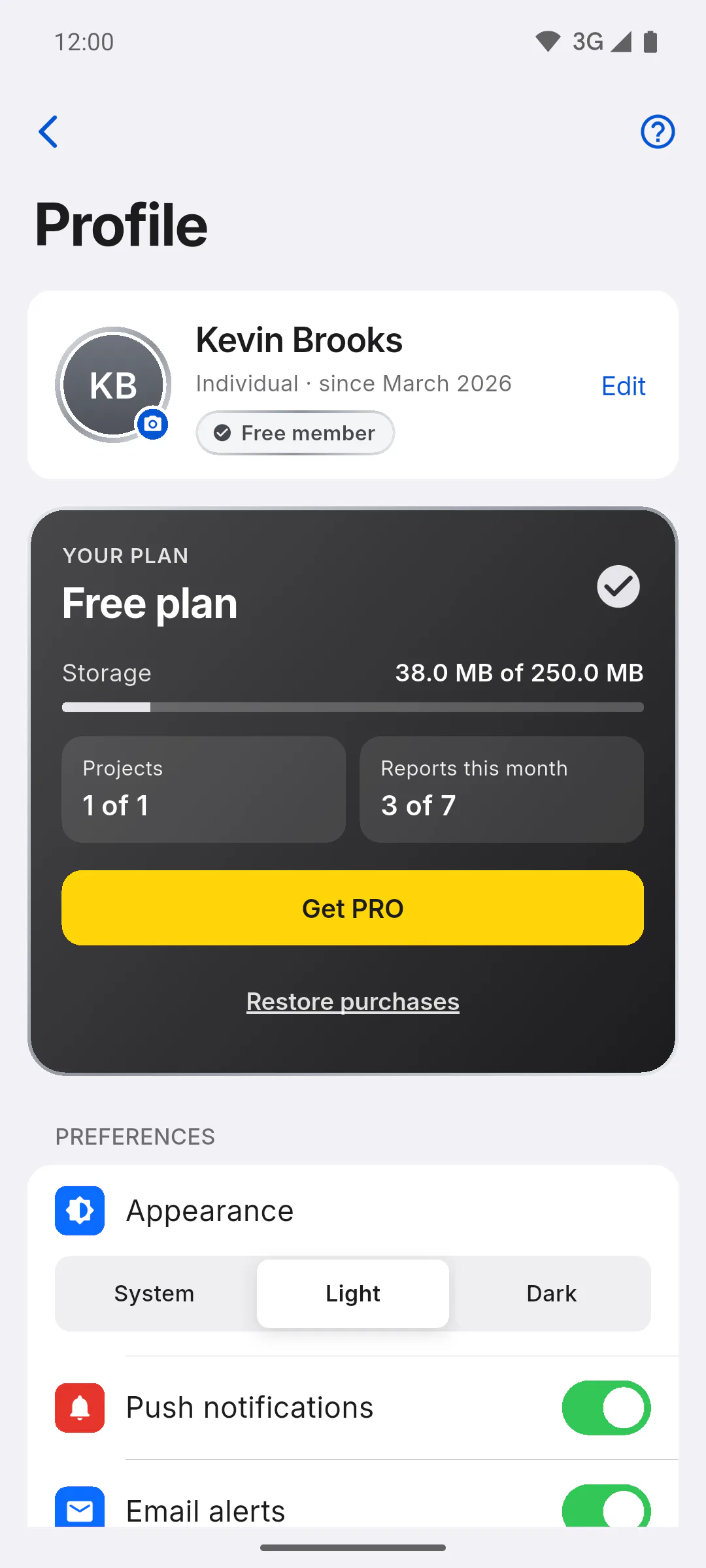
On free, you get 7 PDF reports a month, with the app logo and the Free Version watermark. On PRO, there's no limit and no watermark, and PDFs carry your logo and footer. If you're invited to a project whose owner is PRO, you create that project's reports without the monthly limit: PDF report limit and watermark on the free plan.
Step 5: Team, client and other features
- On free, each project takes one invitee per role: How many invitations can I send on the free plan
- Unlocking Client Access for a project is only possible on PRO, as a separate purchase per project: What Client Access is
- Exporting many daily reports at once as a ZIP and keeping project files on your device to open offline are PRO too
Step 6: How to upgrade to PRO
Tap Get PRO on the YOUR PLAN card in your Profile or View Plans in the menu. The Become a PRO Member screen shows the benefits, the monthly and yearly prices and the Subscribe Now button: How to subscribe to PRO on your phone or computer.
Free vs PRO: what changes
Compare the free plan and PRO: how many projects, how much storage, how many PDF reports, invitations, Client Access and your own branding on reports.
For managers6 steps
Didn't find what you were looking for?
Chat with support on WhatsApp or open a ticket right in the app.