
Step 1: What Download All is
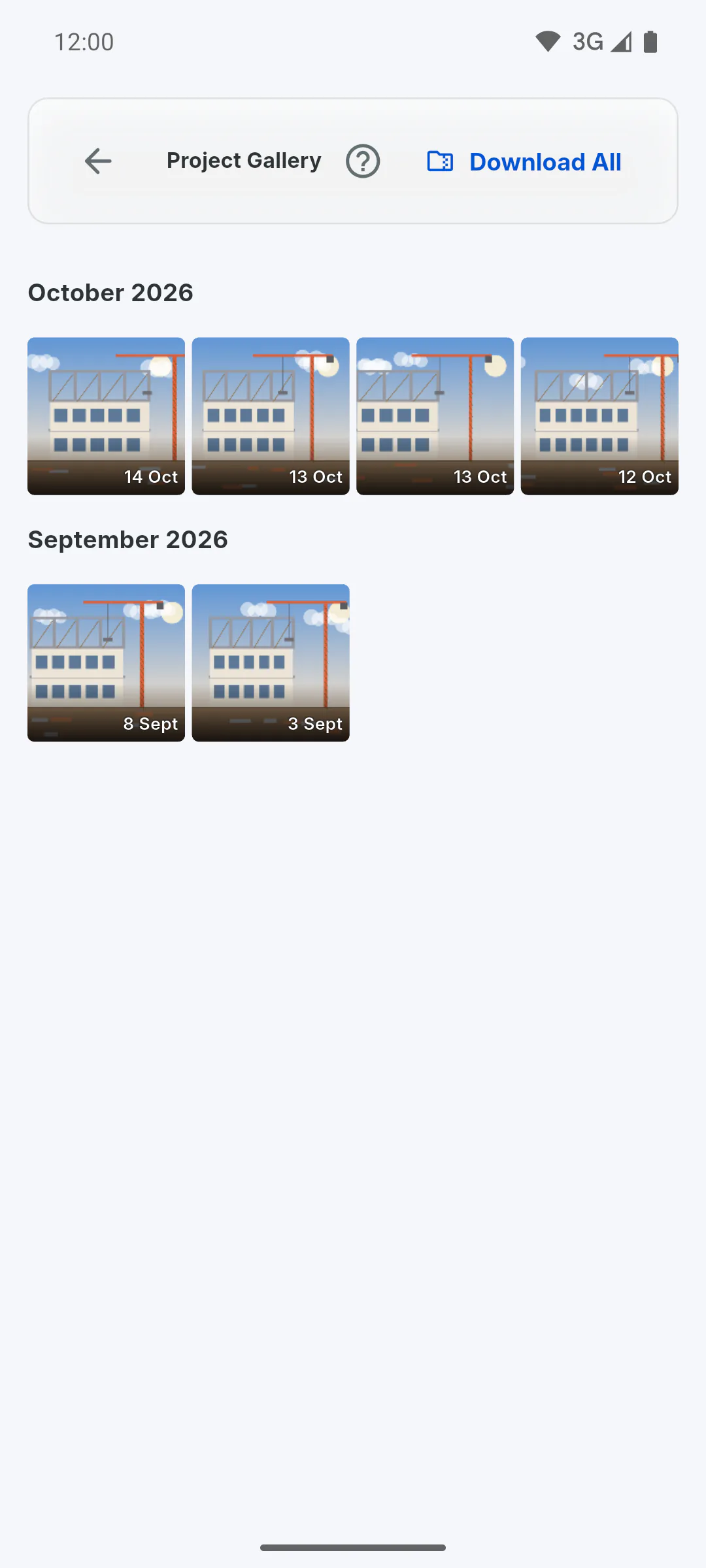
In the Client Portal's Project Gallery, the Download All button requests a ZIP file with every photo in the project album, in high resolution and sorted into folders by month. The ZIP is built on the app's servers, and the link arrives through the bell.
Step 2: What needs to be unlocked
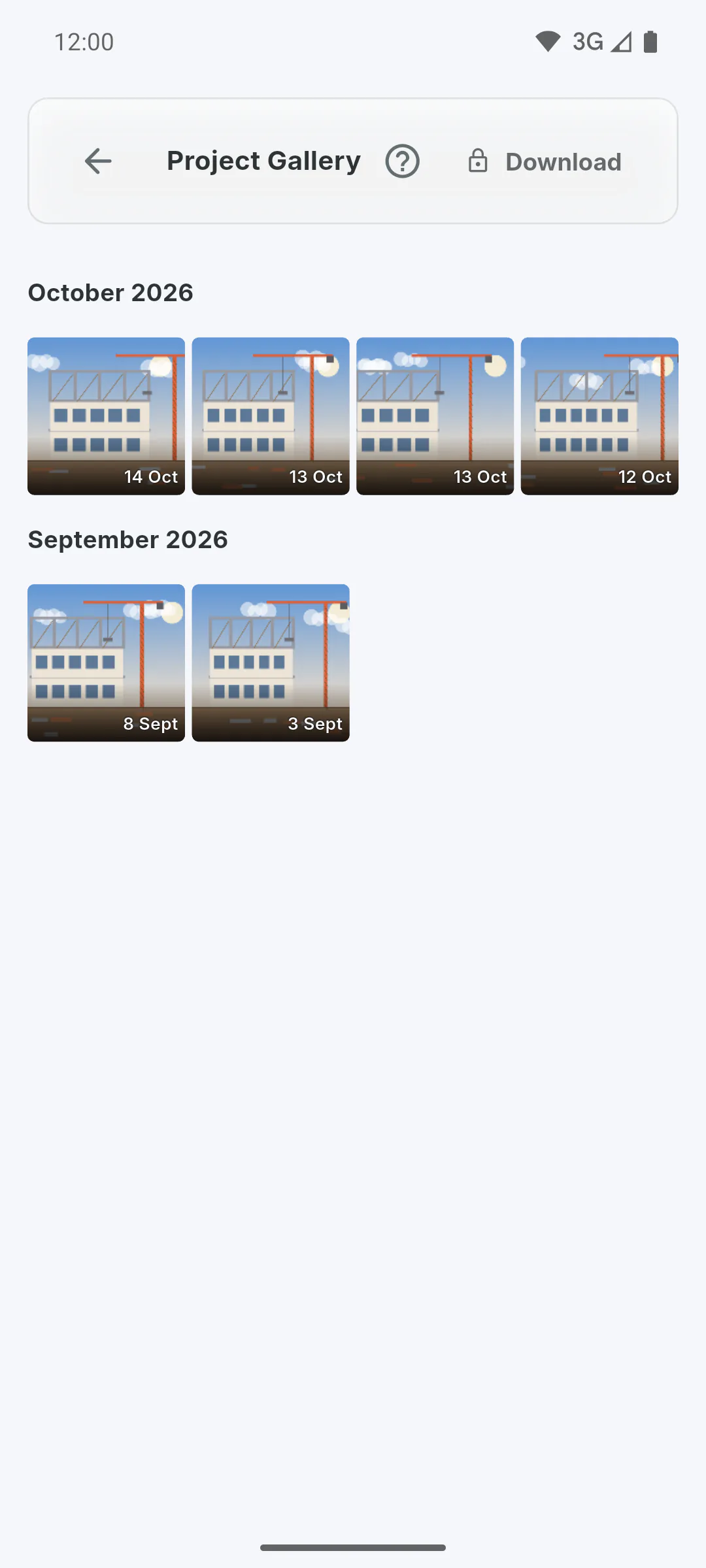
The button only appears once the project owner has unlocked Client Access and turned on the Photo Gallery switch. Otherwise, a Download button with a padlock shows in its place.
Step 3: When the ZIP is released
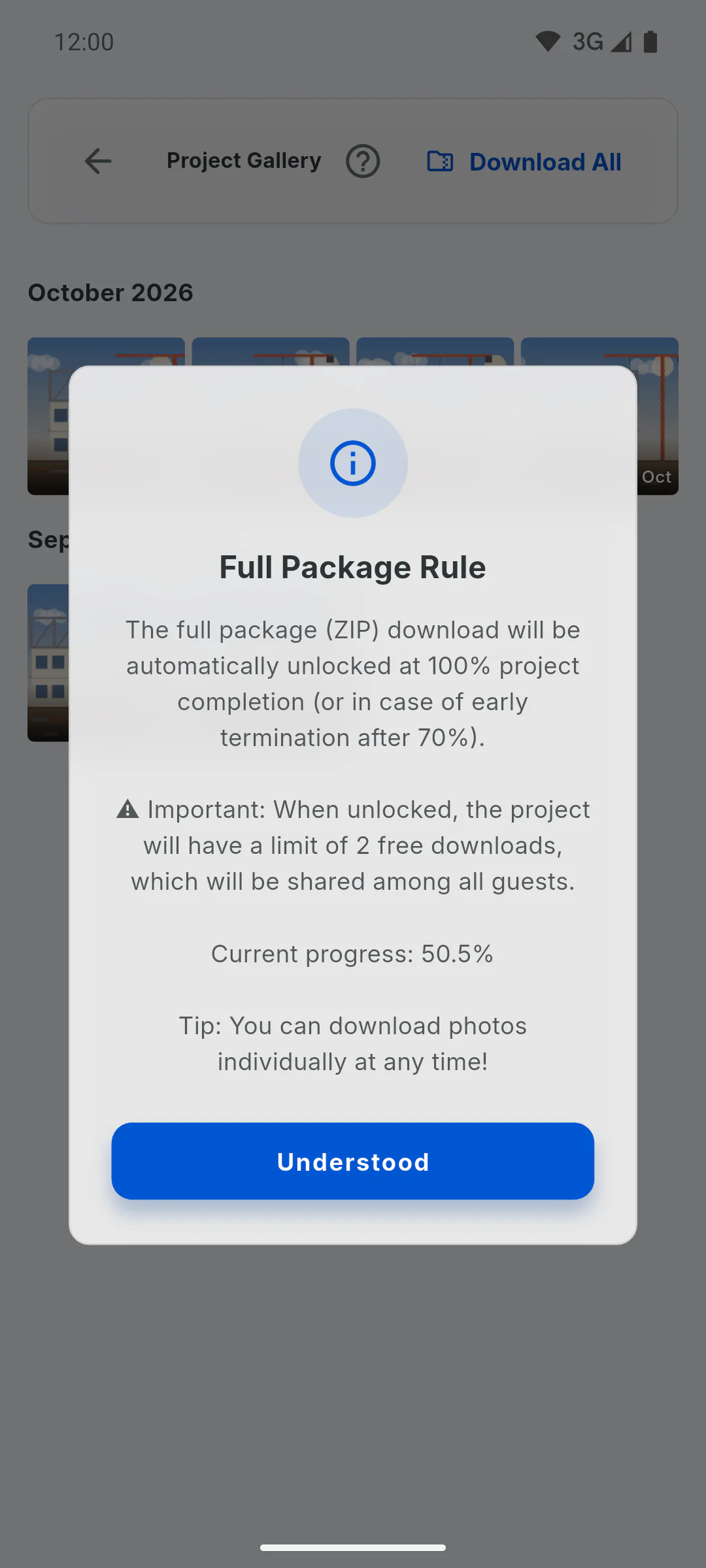
The ZIP becomes available when the project reaches 100% on the schedule. Before that, tapping Download All shows Full Package Rule with the current progress. The exception is early closure: if the owner removes the client when the project is at 70% or more, the client enters a grace period and can use Download All during the next 15 days. Single photos can be downloaded at any time.
Step 4: The 2-download limit
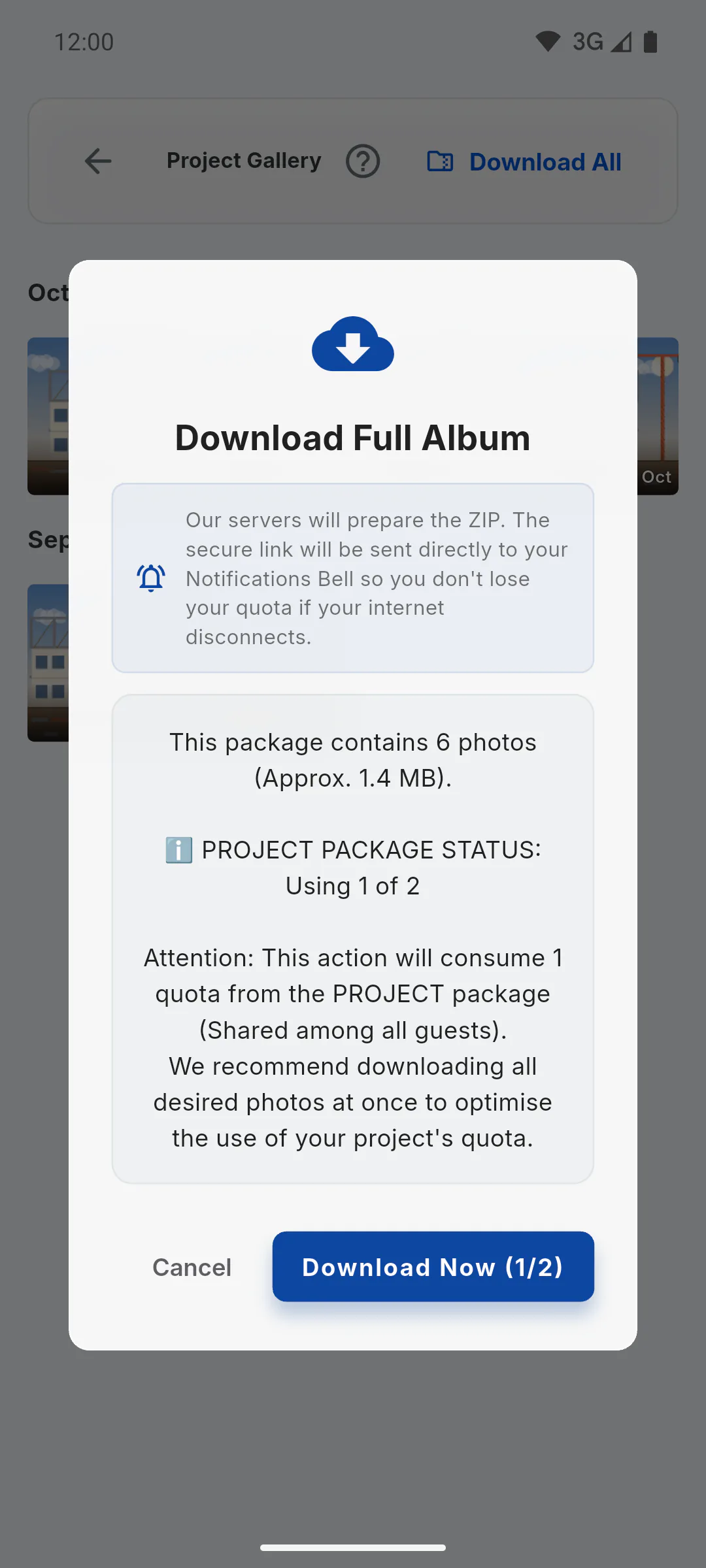
Each project gets 2 ZIP downloads. The limit belongs to the project, not the person: it's shared by every guest who requests the ZIP. Before each request, the Download Full Album window shows the number of photos, the approximate size and which download will be used, as in Download Now (1/2). If the server can't build the ZIP, the download isn't counted. So it's worth requesting the ZIP once there are plenty of new photos.
Step 5: When the limit runs out
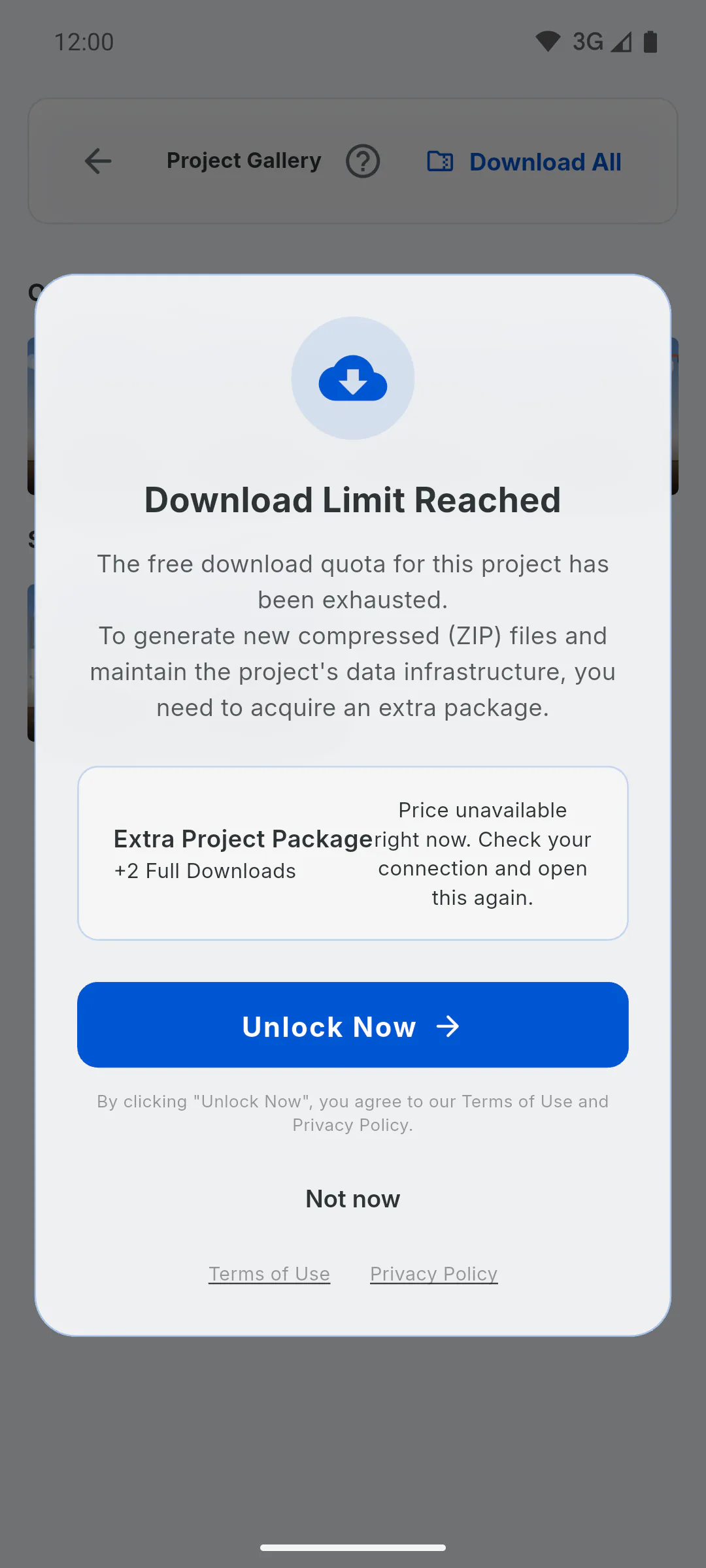
Once both downloads are used, Download All opens Download Limit Reached, with the option to buy an extra package for the project. The project owner can't reset the limit from the app.
"Download All": when the ZIP is released and the 2-download limit
Learn when the client can download every project photo as a ZIP, what needs to be unlocked, and how the limit of 2 downloads per project works.
For clients and managers5 steps
Didn't find what you were looking for?
Chat with support on WhatsApp or raise a ticket in the app.