
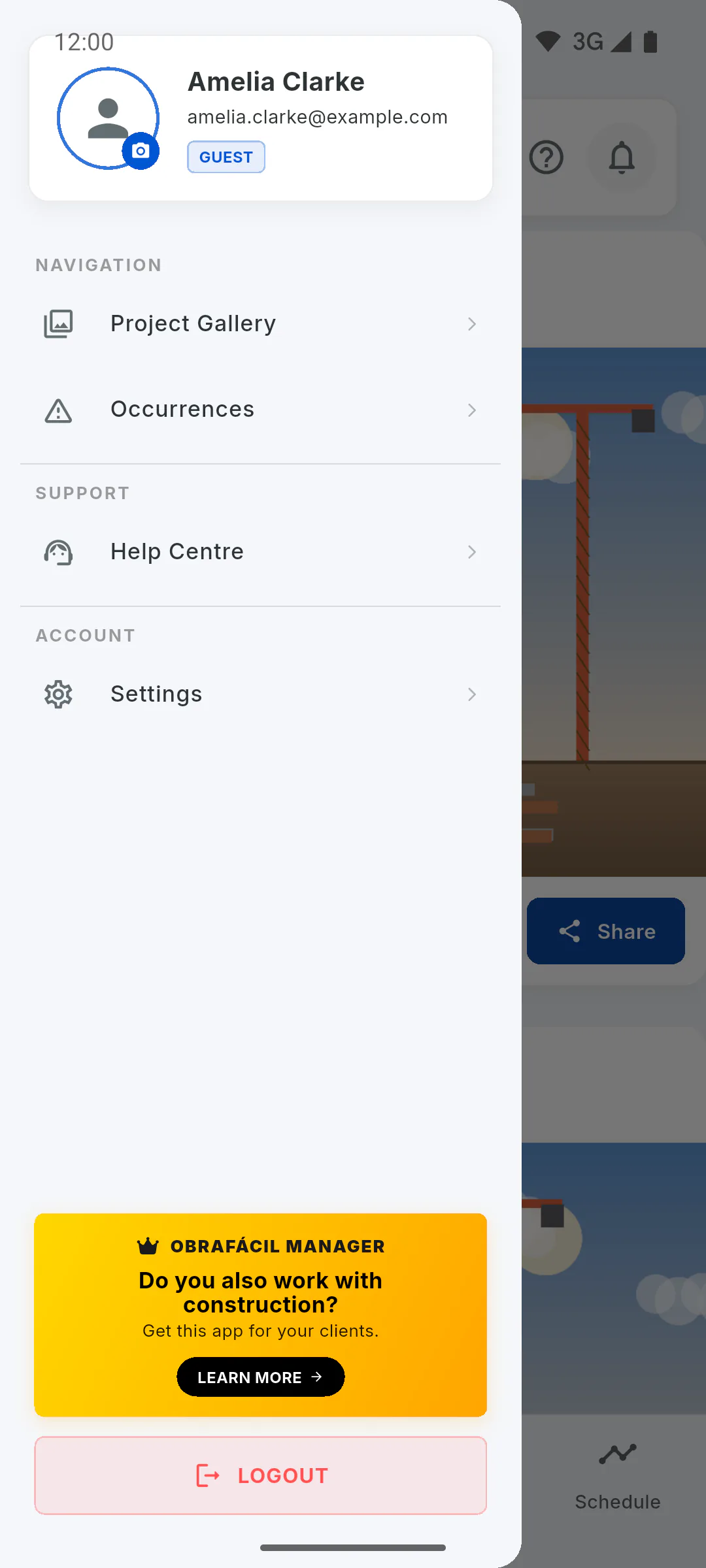
Step 1: Open the Help Centre
In the Portal, tap the menu button and, under Support, tap Help Centre. The Help Centre screen opens, where the ObraFácil team handles customer service. The search and the articles about the Portal are at the top; sending a message is at the end of the screen.
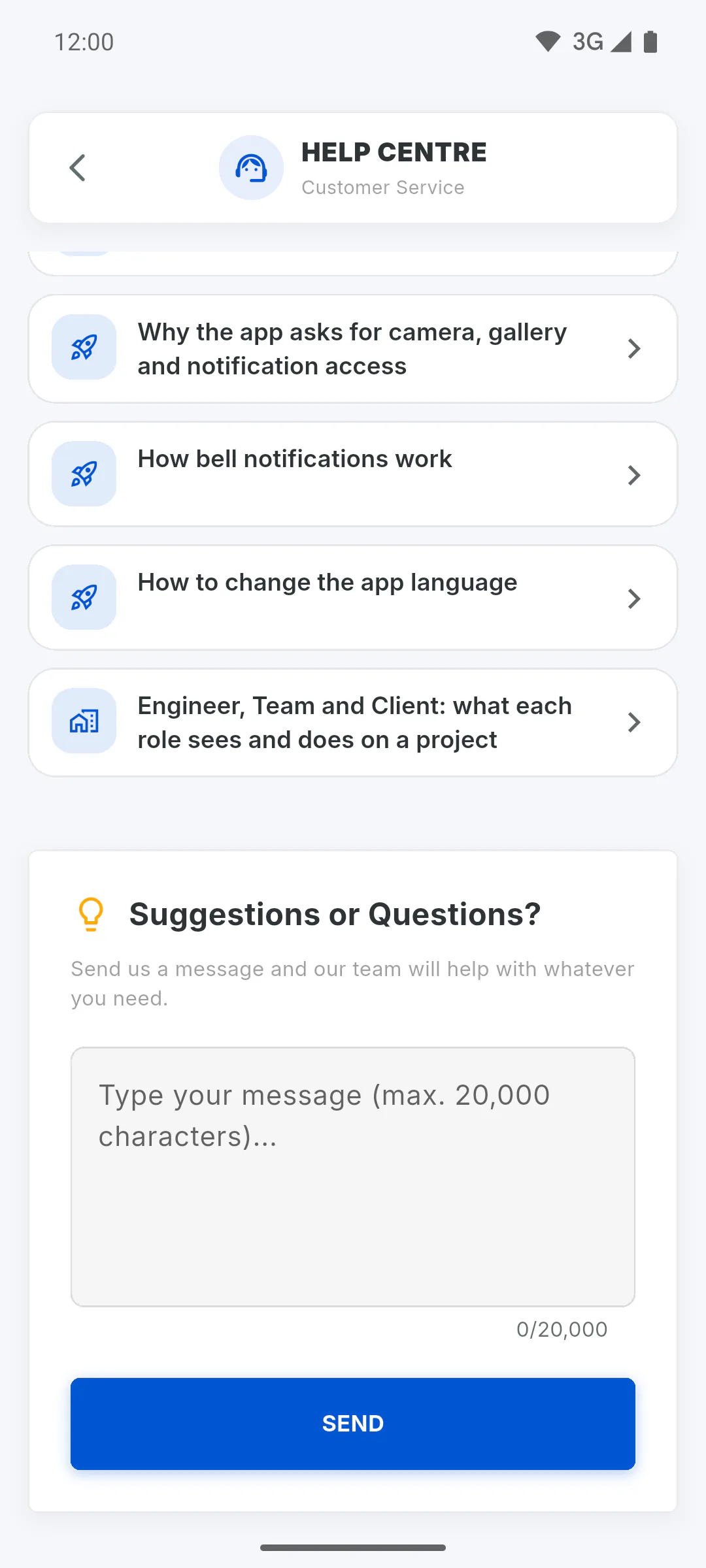
Step 2: Write and send
At the end of the screen, under Suggestions or Questions?, type your message in the text box: say what happened, on which screen, and the project name. Tap Send. If the box is empty, nothing is sent.
Step 3: Confirmation
You'll see Thank you for reaching out! and the box is cleared. The message reaches the ObraFácil team with your name and email address. Replies don't show up on this screen.
Step 4: Who to contact for what
This message goes to the app's team, not to the project manager. For questions about your project, such as the deadline, spending or photos, talk to the manager. To tell the project team about a problem, use occurrences:
How to contact support from the Client Portal
Send a question, suggestion or app problem to the ObraFácil team through the Client Portal's Help Centre.
For clients4 steps
Didn't find what you were looking for?
Chat with support on WhatsApp or raise a ticket in the app.