
Step 1: Two ways to track tools
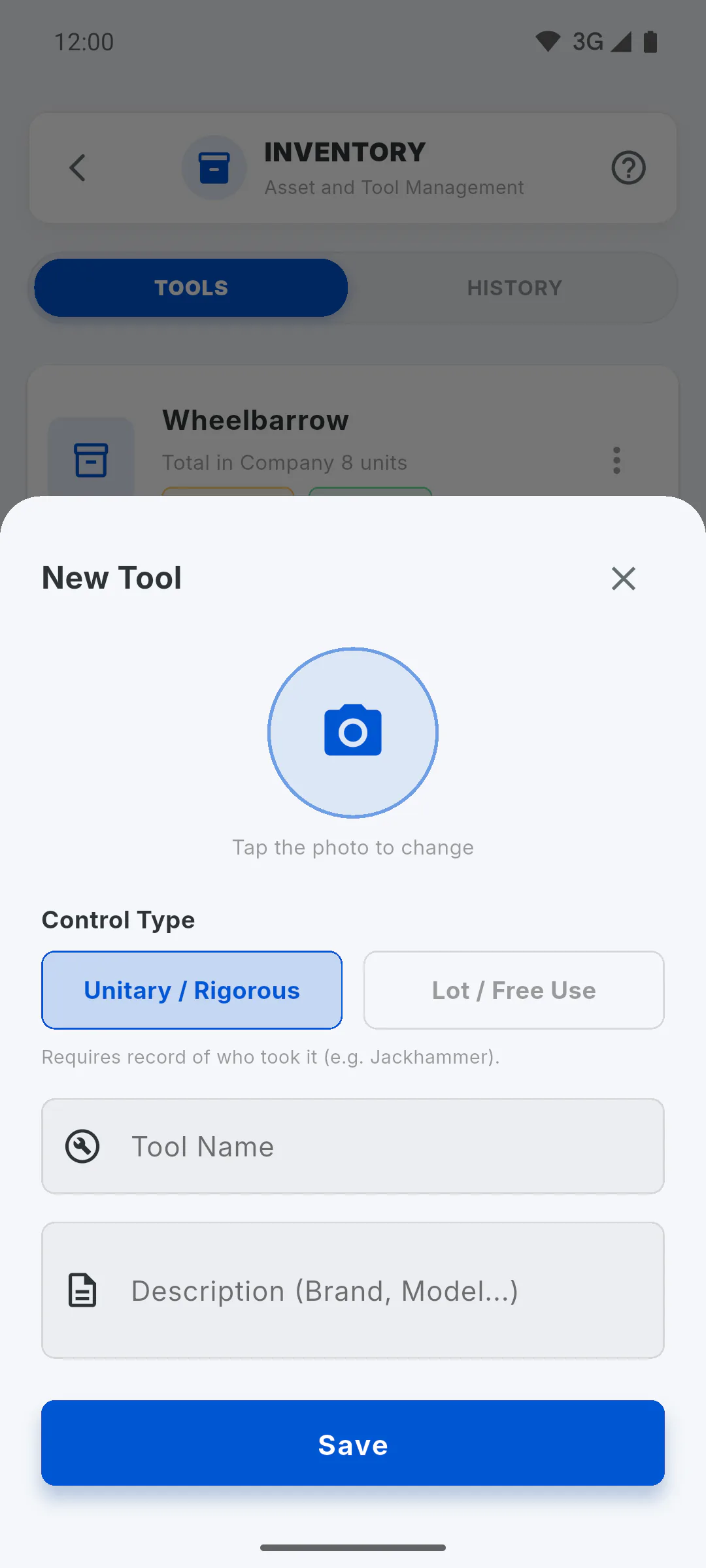
When you add a tool, the Control Type sets what the app tracks: with Unitary / Rigorous, one item and who has it; with Lot / Free Use, how many units are at Central and at each project.
Step 2: Unitary / Rigorous
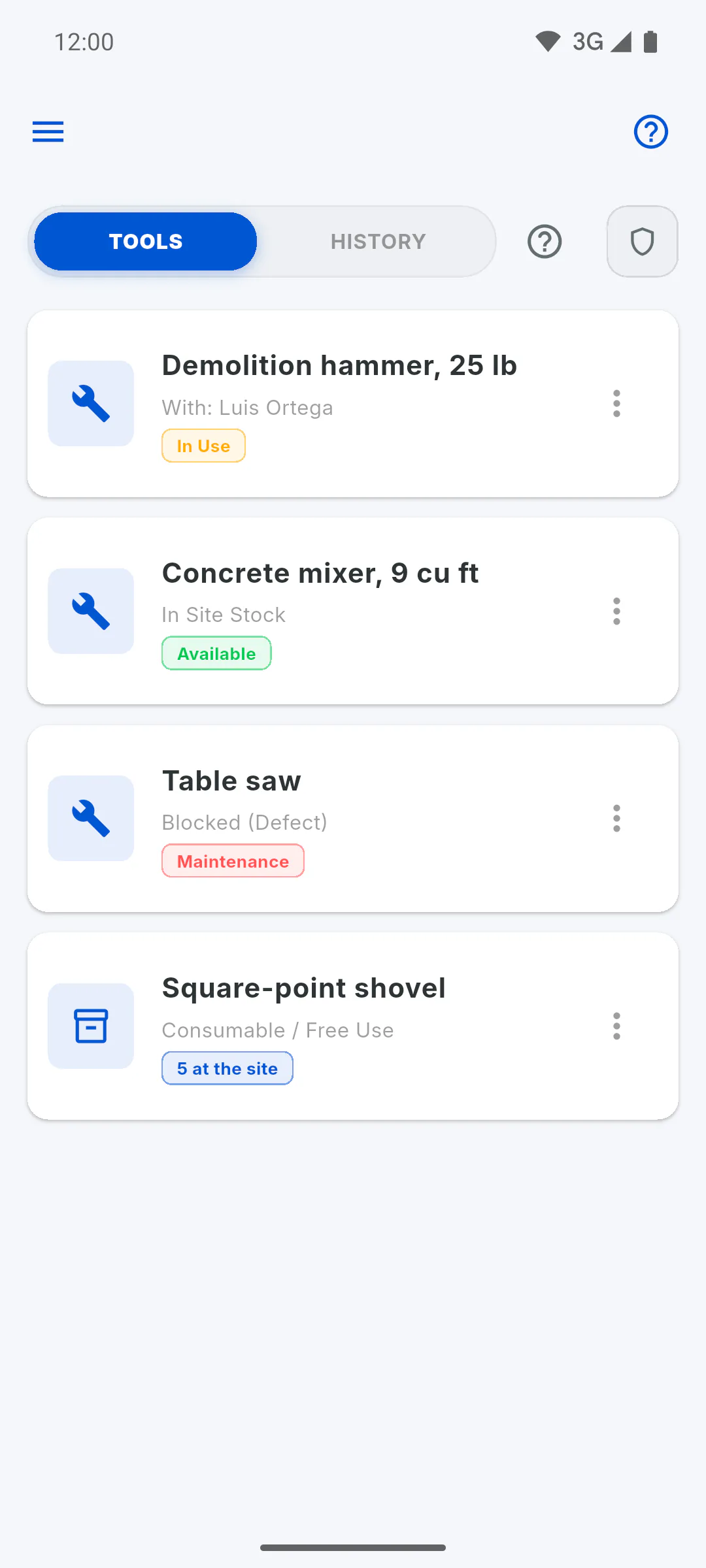
Each entry is a single item (the quantity is always 1). It has a status: Available, In Use or Maintenance.
- On a project, you can lend it to someone, with their name in Responsible for Pickup
- When it comes back, you mark All OK or With Defect: with a defect, it is blocked for maintenance
Use it for valuable machines and equipment: two identical drills are two entries.
Step 3: Lot / Free Use
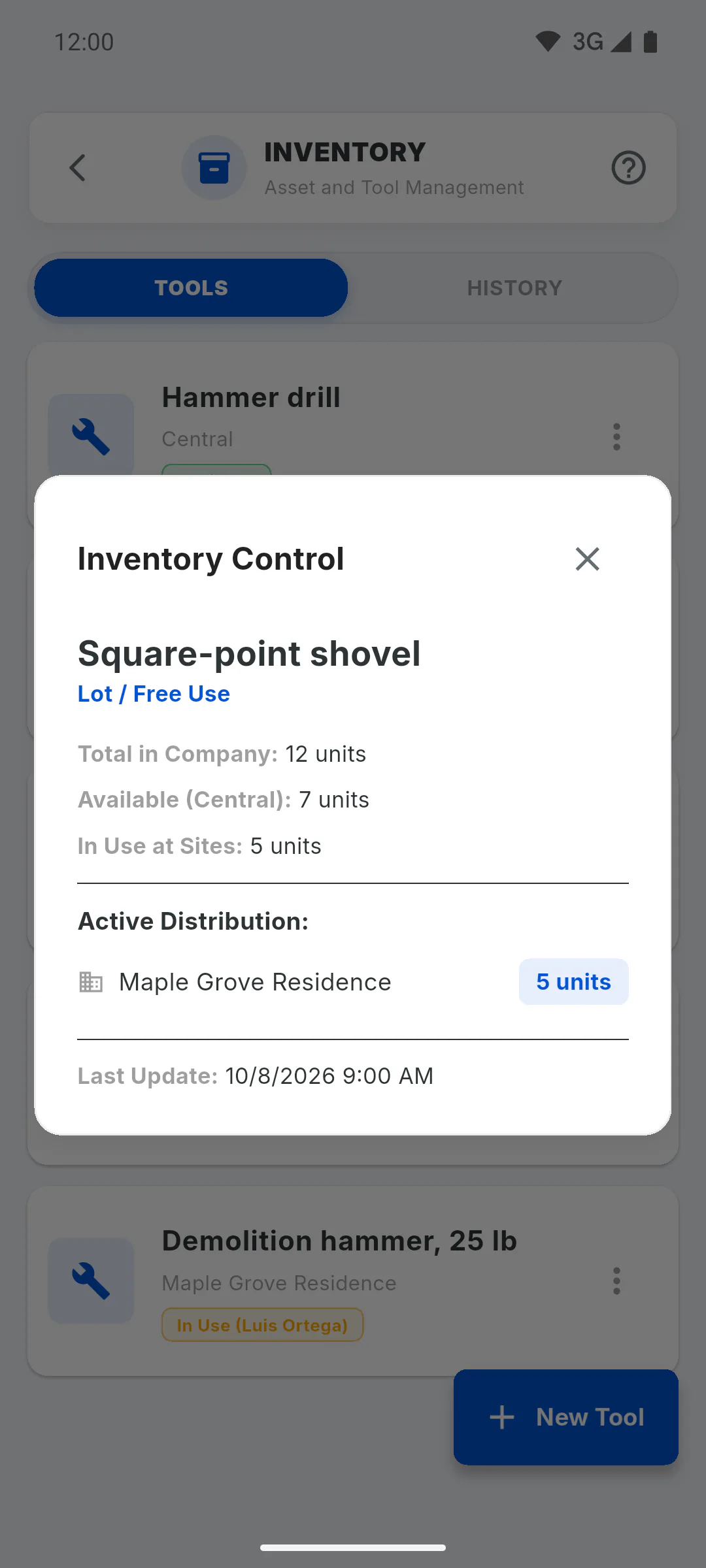
One entry holds several identical units, with the Total Quantity (In Company). You send part of the lot to a project, return it to Central and log broken or lost units, which come off the total. Nobody is recorded as having taken each item: on the project it shows as Consumable / Free Use. Use it for shovels, wheelbarrows, buckets and similar items.
Step 4: What changes in practice
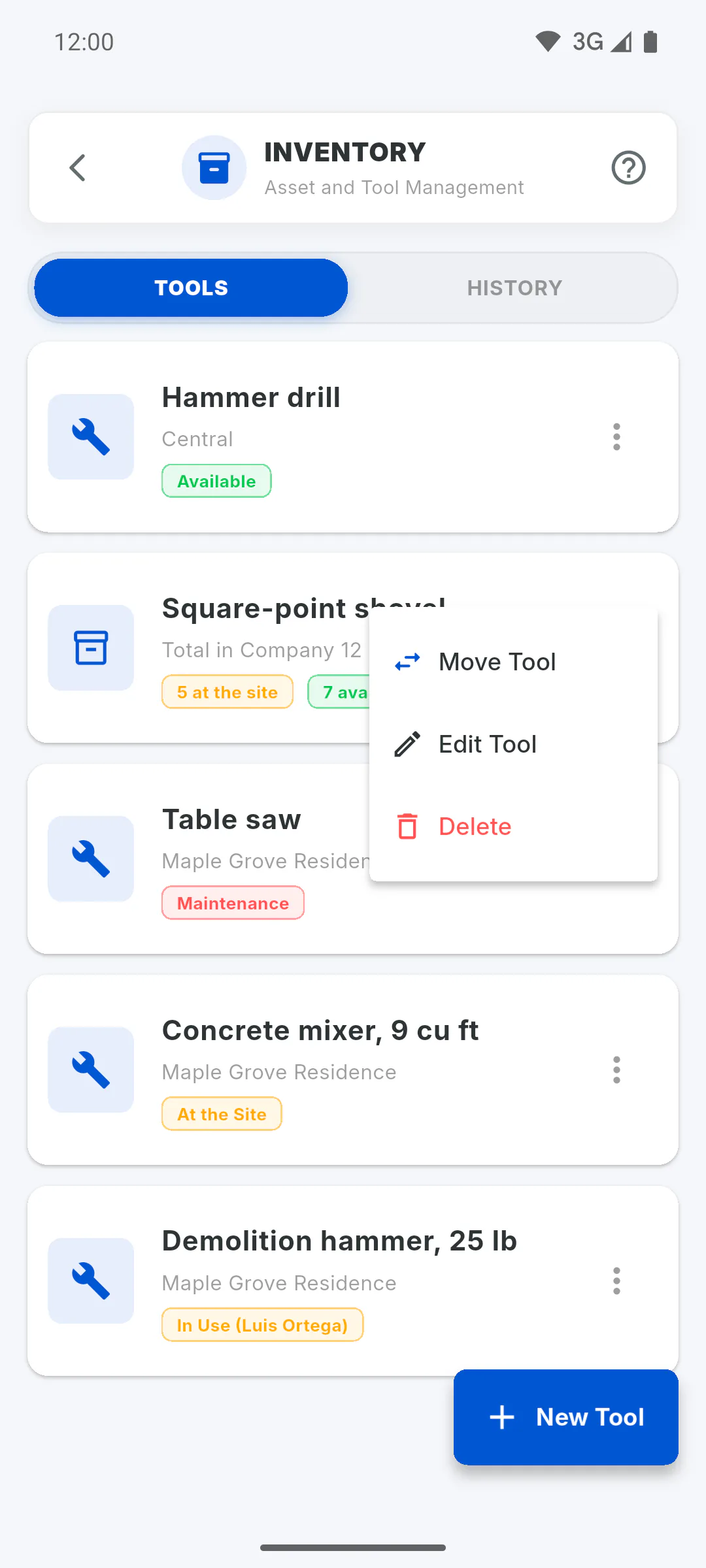
- Only unit tools can be lent out, checked on return and sent for maintenance
- Only lots have Register Broken/Lost
- On the free plan, each entry counts as one tool, whether it is an item or a lot
You can change the type later in Edit Tool, but only do it when the whole tool is back at Central.
Unit or lot control: which one to choose
Understand the difference between tracking a tool item by item, with who has it, or by quantity, and which type to use in each case.
For managers4 steps
Didn't find what you were looking for?
Chat with support on WhatsApp or open a ticket right in the app.