
Step 1: WhatsApp from the Help Center
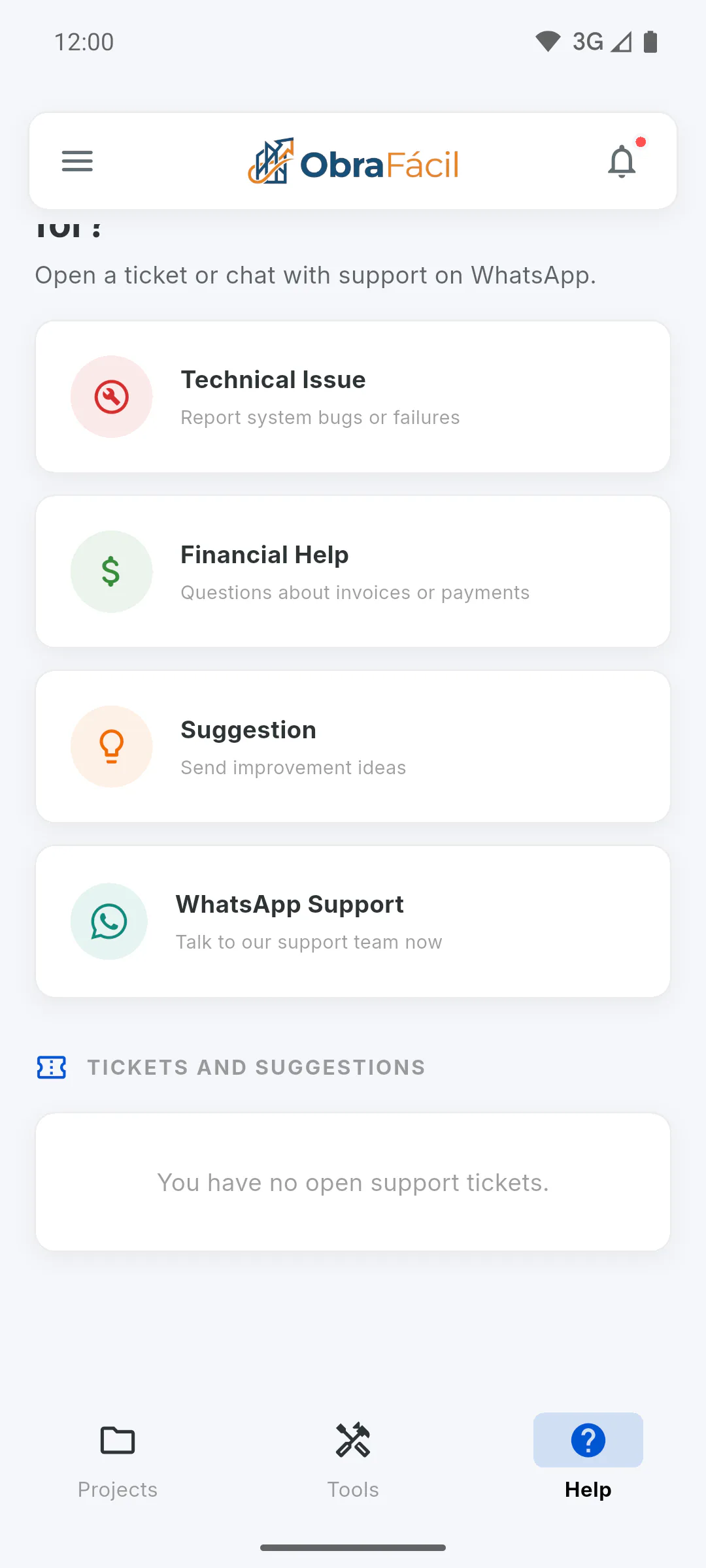
Open the Help Center and, at the end of the screen, tap WhatsApp Support. WhatsApp opens a chat with support, with the message Hello Max! I need help with the Obra Fácil app. ready to go: add your question and send it. If WhatsApp isn't installed, the link opens in your browser.
Step 2: Email and WhatsApp in About the App
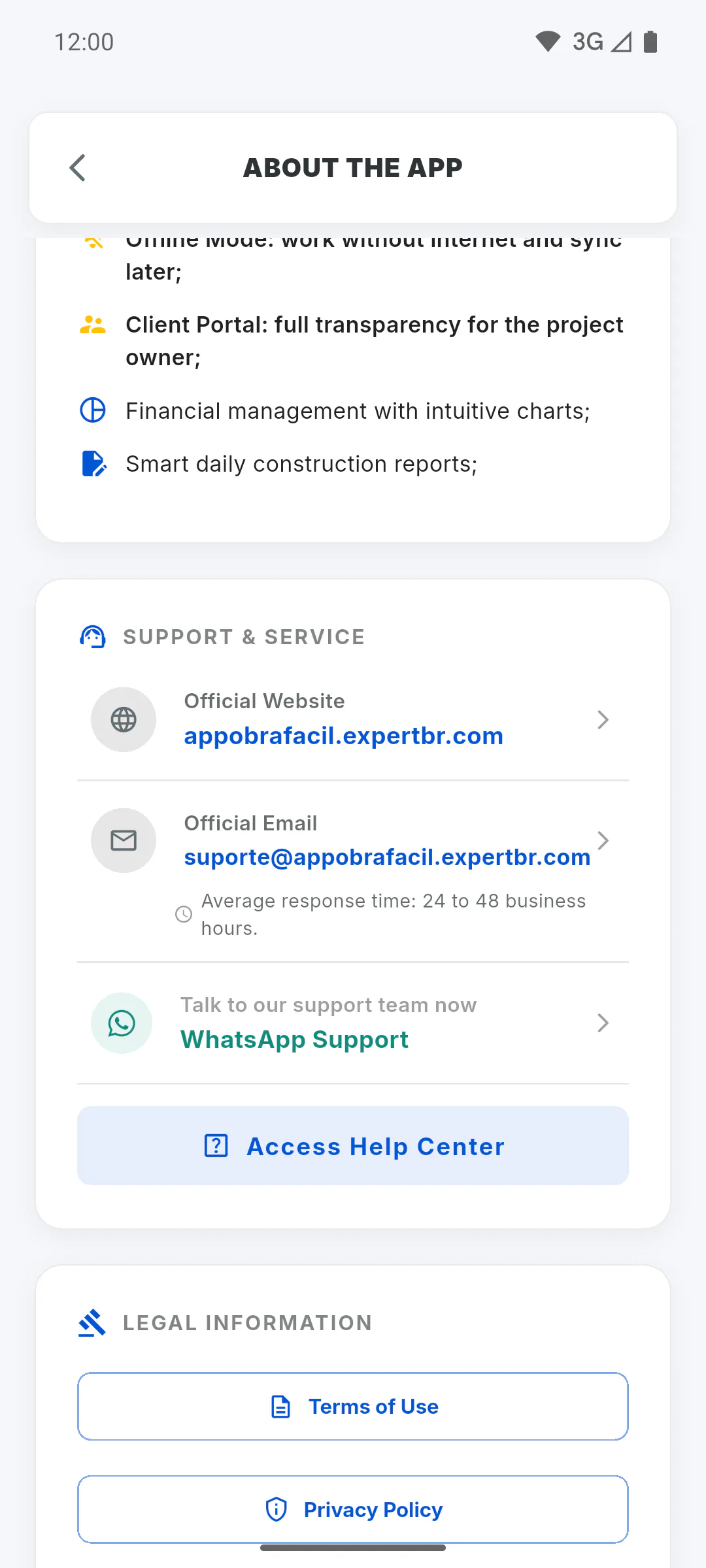
In the side menu, tap About the App. Under Support & Service you'll find the same WhatsApp button and the support Official Email, with the address shown on screen. Tap it to open your email app with the address already filled in. Just below it you'll see Average response time: 24 to 48 business hours.
Step 3: If WhatsApp doesn't open
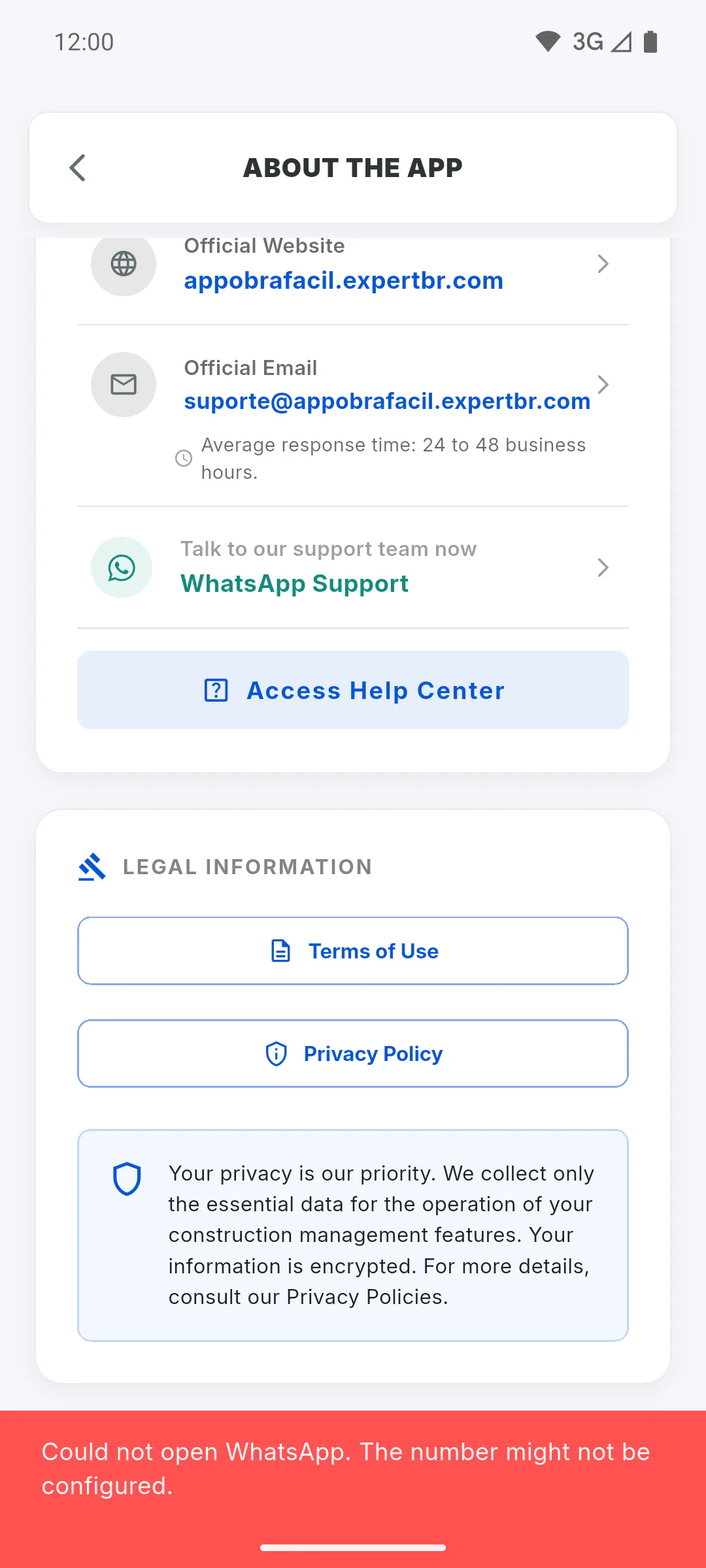
If you see Could not open WhatsApp. The number might not be configured., check your connection and try again. If it keeps happening, use email or open a ticket: How to open a support ticket. If tapping the email does nothing, note down the address shown on screen and write from your own email.
Step 4: Which channel to use
- Ticket: it stays on your list and is the recommended way to ask for a refund, under Financial Help
- WhatsApp: to chat
- Email: to send details and attachments
Clients in the Client Portal have their own route: How to contact support from the Client Portal.
How to contact support on WhatsApp or by email
Where to find WhatsApp support and the official support email in the app, and what to do if WhatsApp doesn't open.
For managers and team members4 steps
Didn't find what you were looking for?
Chat with support on WhatsApp or open a ticket right in the app.