
Step 1: Where you are asked to confirm
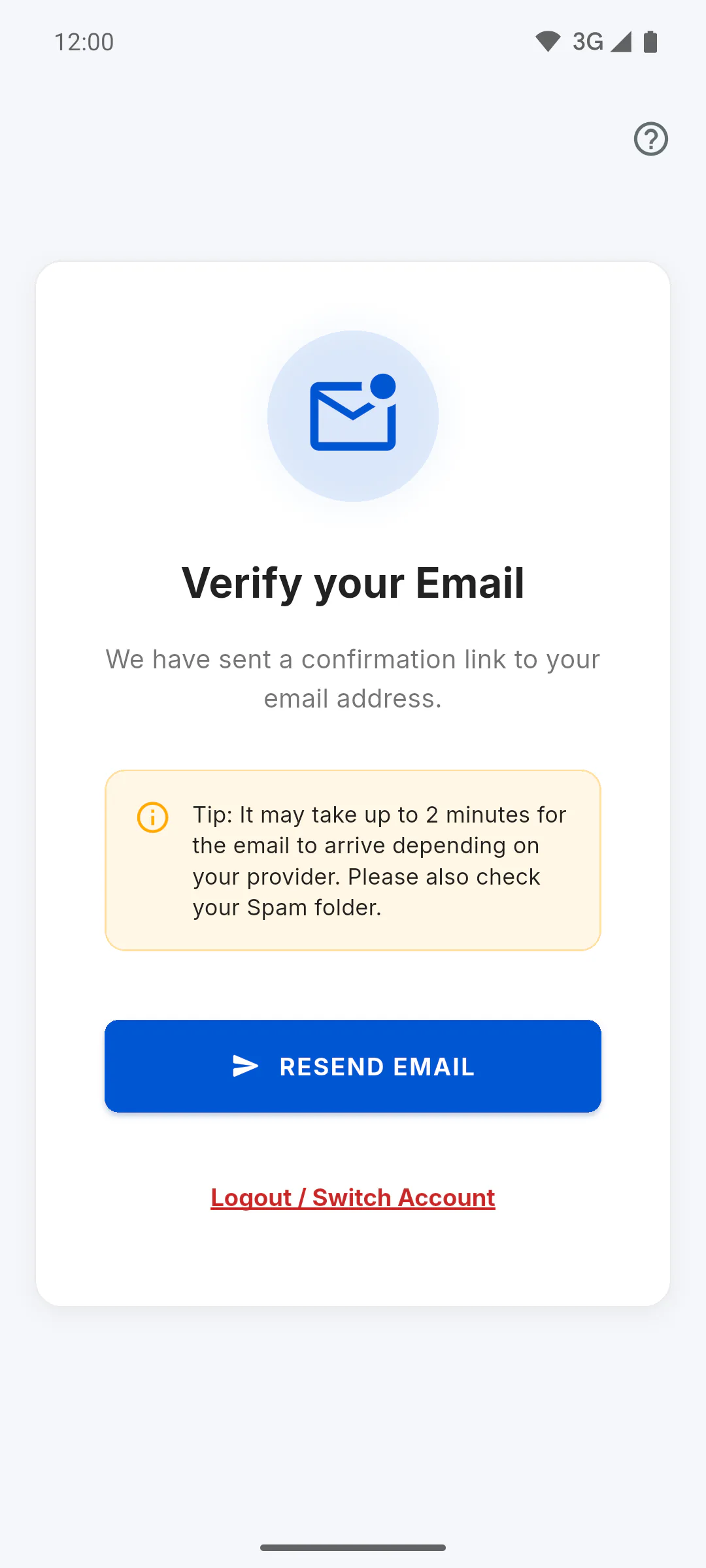
Right after Finish Registration, the app opens Verify your Email. If you try to sign in before confirming, the Confirm your Email window appears. This step is for accounts created with email and password.
Step 2: Look for the email
The email's subject is Verify your email - ObraFácil and it has a Confirm my email button. It can take up to 2 minutes to arrive. Check your Spam, Junk and Promotions folders too, and make sure the address you typed when signing up is correct.
Step 3: Tap the button in the email
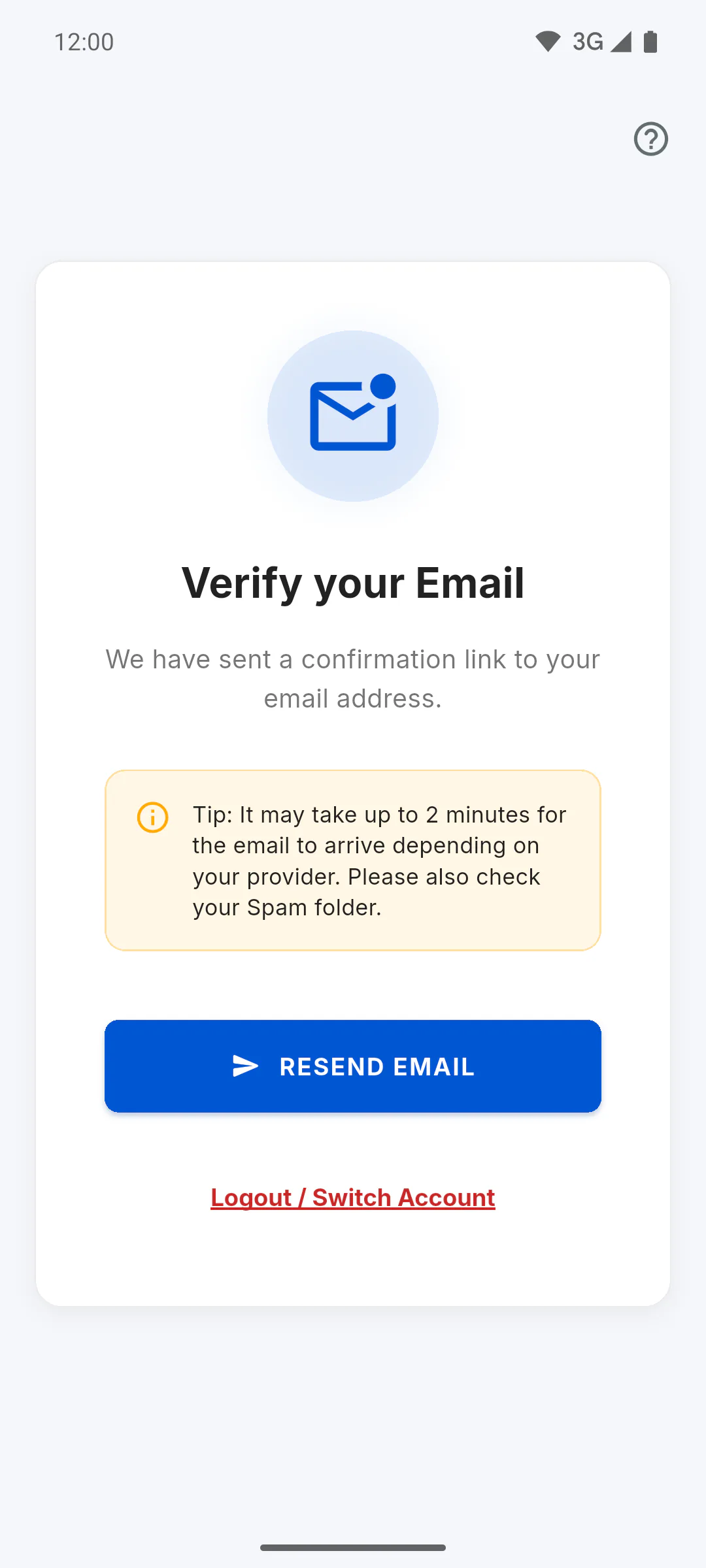
Open the email and tap Confirm my email. You can do it on any device, even a computer. With the Verify your Email screen open, the app picks up the confirmation within a few seconds and moves on by itself. If you came from the Confirm your Email window, sign in again with your email and password after confirming.
Step 4: Resend it if needed
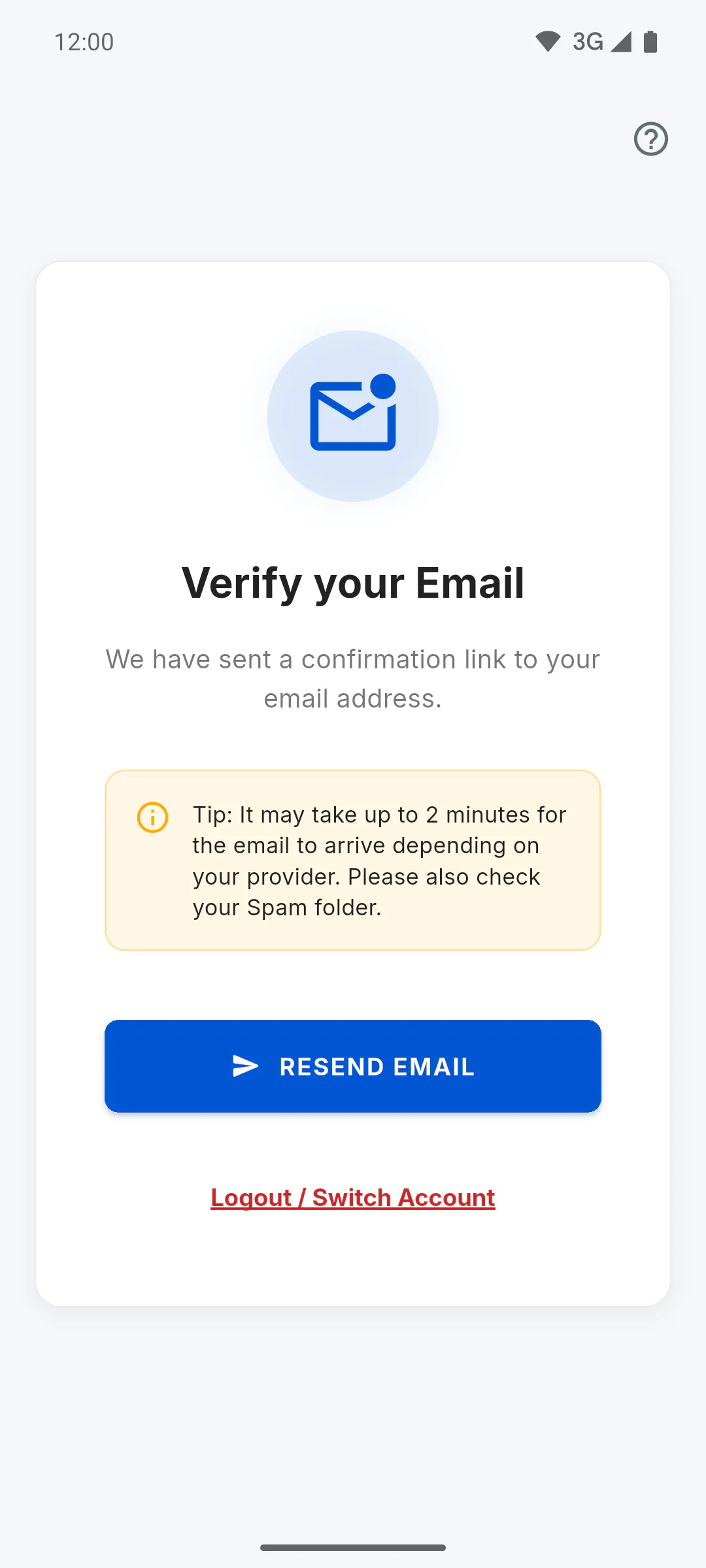
Tap Resend Email on the screen, or Resend Email in the window. Wait at least 1 minute between sends: the email sent when you signed up counts too, and there's a maximum of 5 a day. If you resend too soon or go over the limit, the app still shows the resent message, but no new email goes out.
Step 5: Typed the wrong email?
Tap Logout / Switch Account and sign up again with the right address: How to create your ObraFácil account. If the right address already has an account, use How to recover your password.
I didn't get the confirmation email: what to do
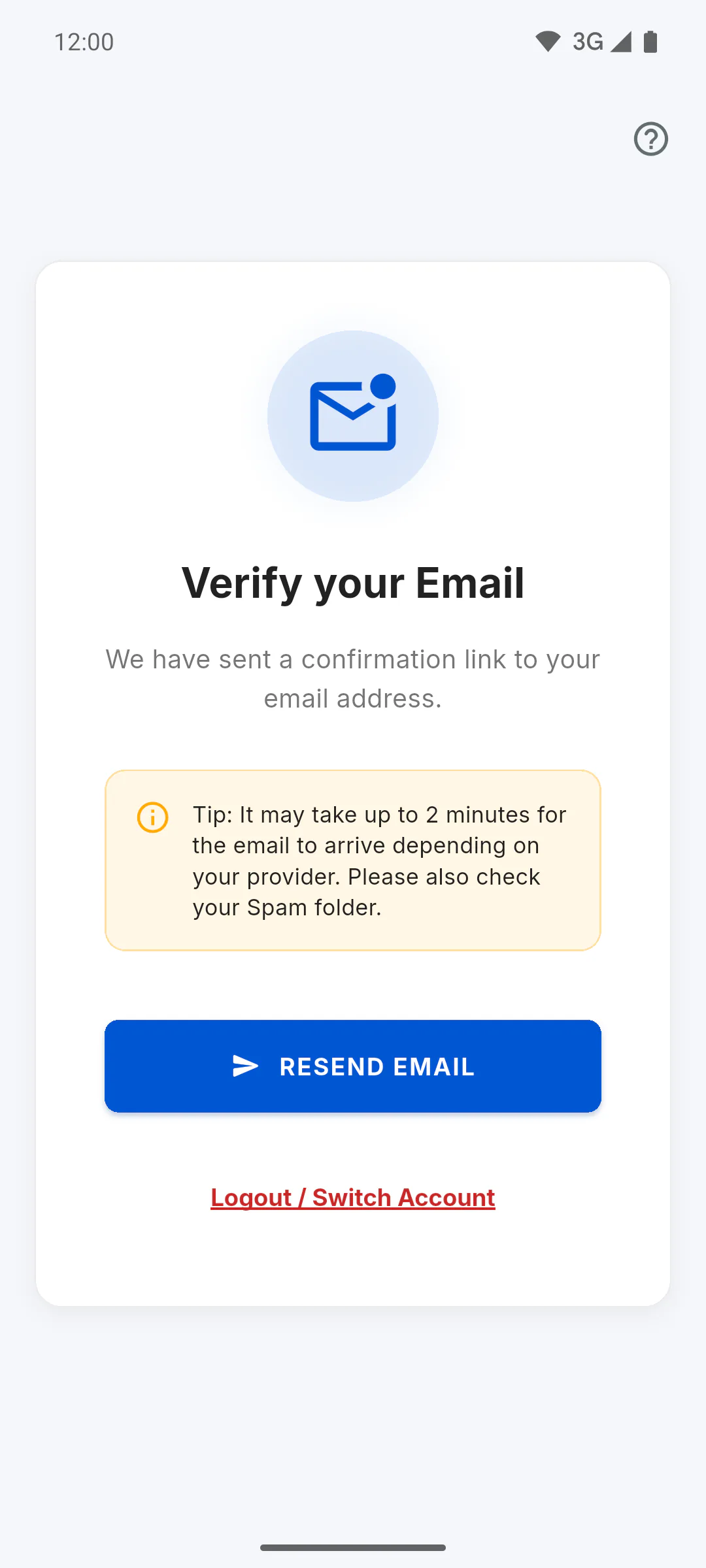
If you create your account with email and password, you need to confirm the address before using the app. See where to look for the email, how to resend it and what to do if it never arrives.
For managers, team members and clients5 steps
Didn't find what you were looking for?
Chat with support on WhatsApp or open a ticket right in the app.