
Step 1: How buying on the website works
The subscribe buttons on the website take you to create your account in a web browser. After you create it, Account Created! appears: accept the terms and tap Subscribe Now to open the secure payment page. The page comes with your account email already filled in, and the purchase is linked to the account you're signed in to, even if you pay with a different email. This only applies to accounts in Brazil: outside Brazil, after you create the account you'll see Subscribe and buy in the app, and you subscribe in the mobile app, on the App Store or Google Play.
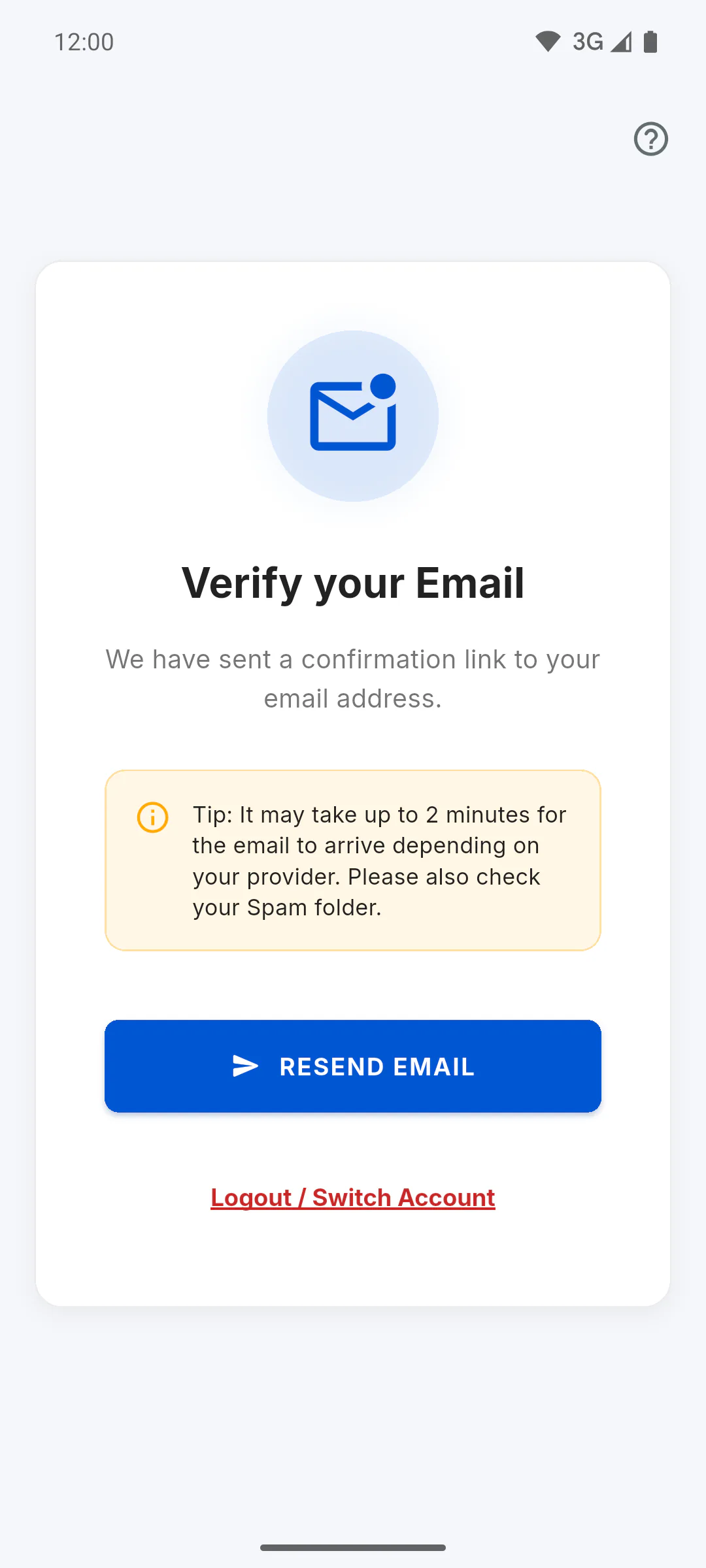
Step 2: Confirm your email
Confirm your account email with the link sent to your inbox. Until it's confirmed, the app won't let you into your account: I didn't get the confirmation email: what to do.
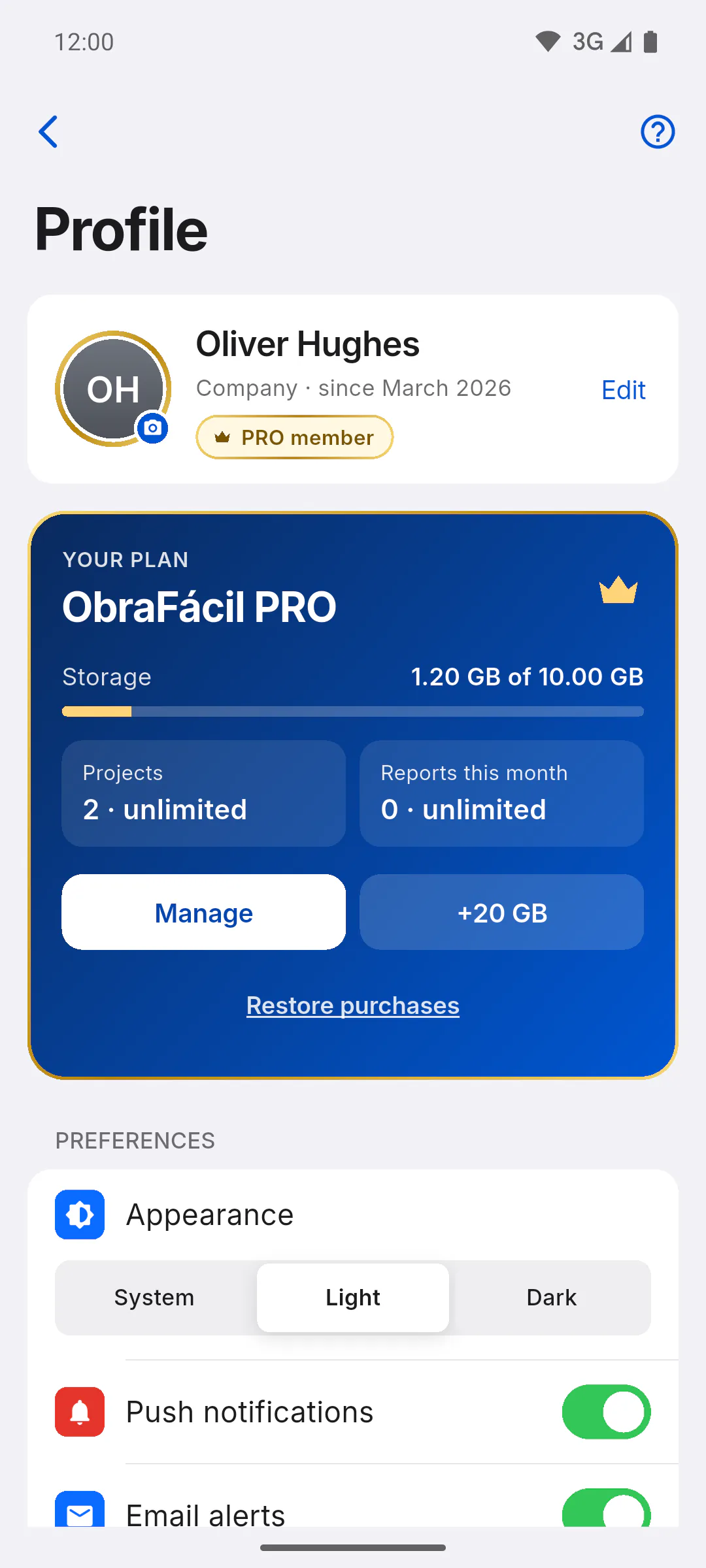
Step 3: Check whether PRO is on
PRO turns on by itself on your account a few moments after payment. Check in Profile: the badge on the top card changes to PRO member and the YOUR PLAN card shows ObraFácil PRO.
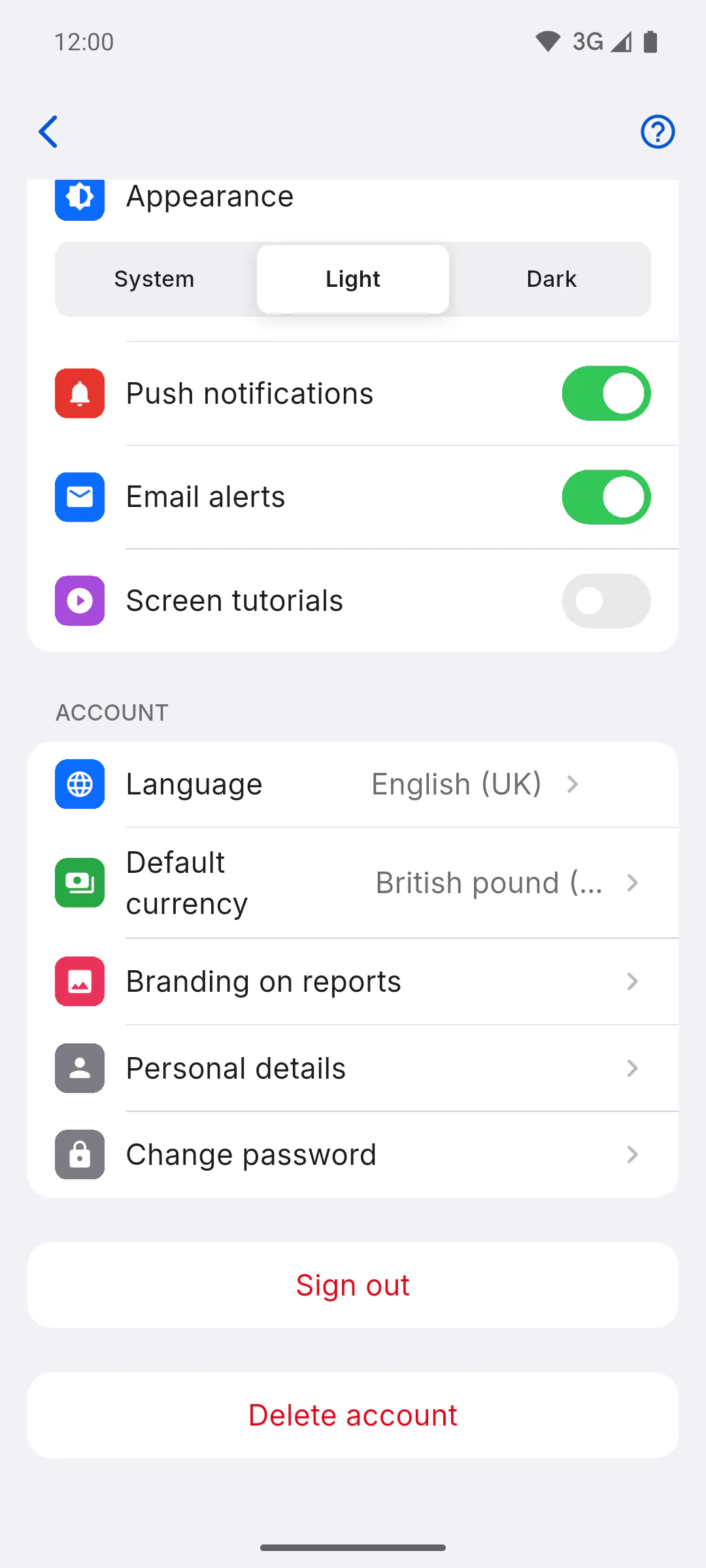
Step 4: If not, log out and sign in again
Open ObraFácil, on your mobile or computer, log out (at the bottom of Profile, Sign out, or in the menu, Logout) and sign in again with the same email you used to pay (or with the Google or Apple account for that email). When you sign in, the app looks for the website subscription under that email and turns PRO on. Do this while online: without internet, the app won't let you log out.
Step 5: If it still doesn't show
- If PRO still doesn't show after that, contact support and include the email you used to pay: How to open a support ticket
- Restore purchases won't help here: it only works for purchases made in your mobile's app store
- A website subscription is managed in your web browser: How to manage or cancel your subscription
I bought PRO on the website: how to activate it on my account
Paid for PRO on the ObraFácil website but your account still shows the free plan? See how the payment is linked to your account and what to do to make PRO show up.
For managers5 steps
Didn't find what you were looking for?
Chat with support on WhatsApp or raise a ticket in the app.